1
Why is the S/PDIF option disabled in the Microsoft® Windows® XP Media Center software program?
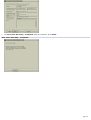
S/PDIF is enabled in Media Center1 by changing the DVD settings. This feature is disabled because the appropriate output
setting is not selected in the InterVideo® WinDVD® software program's audio setup.
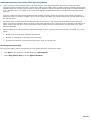
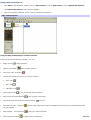
To change audio settings in the WinDVD software program
1.
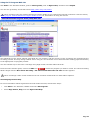
Click Start in the Windows ® taskbar, and point to All Programs.
2.
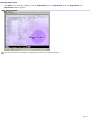
Point to InterVideo WindDVD 5, and the click on InterVideo WinDVD 5 for VAIO.
The WinDVD window opens.
3.
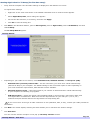
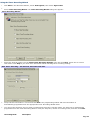
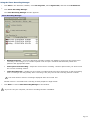
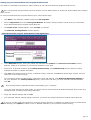
Right-click in the WinDVD window to open the Setup dialog box.
4.
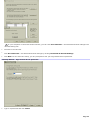
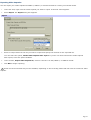
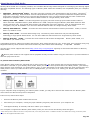
Select the Audio tab.
5.
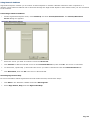
To enable S/PDIF, go to Audio Output Configuration and select Digital (S/PDIF) out to External Processor.
6.
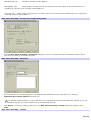
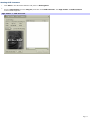
Click OK.
T he M ic ros oft Windows XP M edia C enter E dition operating s ys tem is ins talled on c ertain V A I O ® c omputers . See your s pec ific ations s heet for details on
your c omputer's c onfiguration.
1
Page 139