1
STEP 5: Find a WLAN and Create a Profile
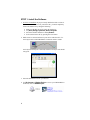
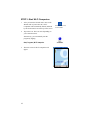
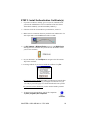
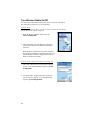
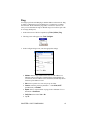
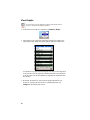
1. In the main screen of Wi-Fi Companion, tap on the tower icon, or tap
Tools | Wi-Fi Finder.
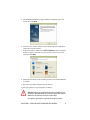
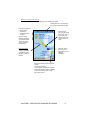
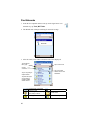
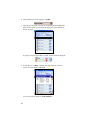
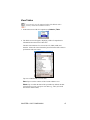
2. Wi-Fi Finder will list WLANs detected in range. Tap on any WLAN in
the list to view additional properties.
Tap to filter the
list by type.
Tap to sort the list.
Current
connection.
Tap on the MAC
address line to view
AP Details.
Tap on any listing to
expand details.
Tap and hold stylus
on any listing to
manage profiles
and/or connect.
Signal strength of strongest
AP/ad hoc radio
WEP encryption, WPA (PSK),
WPA (TKIP) or 802.1x
No encryption
Channel number
Profile saved
802.11b, 802.11g
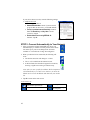
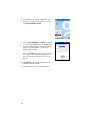
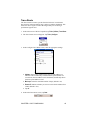
If desired, tap on the Type or Sort by drop-down
menus to change how the list is displayed. By
default, All types are displayed, sorted by Name.
If your WLAN is not listed, tap Refresh.
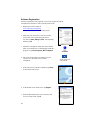
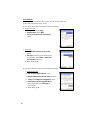
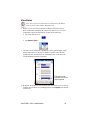
3. If Wi-Fi Finder cannot find your WLAN because
its SSID is hidden, tap New to create a new profile
for your network.
CHAPTER 4: WPA OR 802.1X - PPC 2003
27