1
Configuration Commands
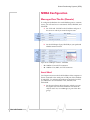
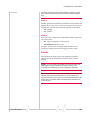
SMS (Short Message Service) is another way to send messages via the cellular network. Most SMS commands require the modem to be in PassThru mode.
Note: SMS may not be supported by your account with your cellular
carrier.
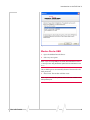
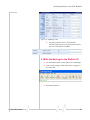
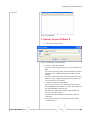
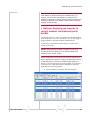
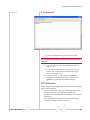
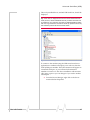
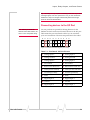
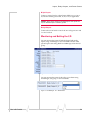
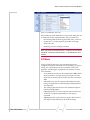
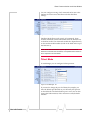
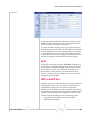
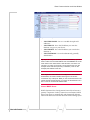
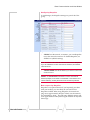
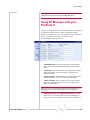
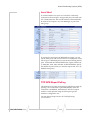
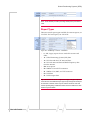
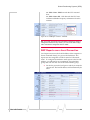
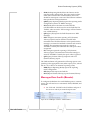
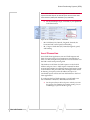
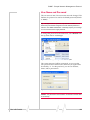
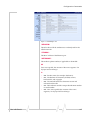
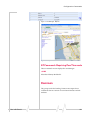
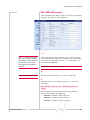
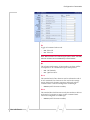
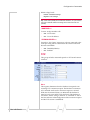
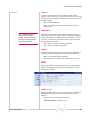
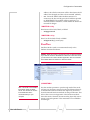
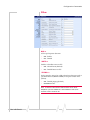
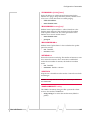
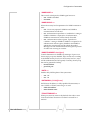
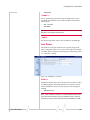
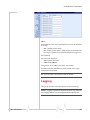
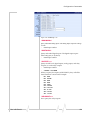
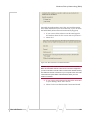
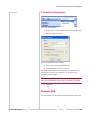
Figure 1-14: AceManager : SMTP
*NETSMS2EMAIL=n
Specify the SMS/E‐mail server number. This maybe necessary to send an SMS message to an email address. Cannot be used with AceManager.
•
n=SMS/E‐mail server number
*SMTPADDR=[d.d.d.d][name]
Specify the IP address or Fully Qualified Domain Name (FQDN) of the SMTP server to use. •
d.d.d.d=IP Address
•
name=domain name (maximum: 40 characters).
*SMTPFROM=email
Sets the email address from which the SMTP message is being sent. •
email=email address (maximum: 30 characters).
*SMTPPW=pw
Sets the password to use when authenticating the email account (*SMTPFROM) with the server (*SMTPADDR). •
pw= password
Note: Not required to use SMTP settings but may be required by your
cellular carrier.
Rev 3.0B Feb.08
142