1
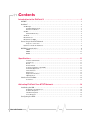
3: Activating PinPoint X on AT&T 3
Network
• Installating the SIM
• Configuring the APN
This chapter provides step‐by‐step directions for activating your PinPoint X on the AT&T cellular network.
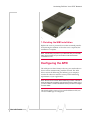
Installating the SIM
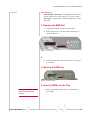
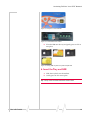
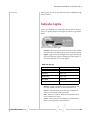
The SIM in the PinPoint X is a smartcard securely storing the key identifying a cellular subscriber. Generally, you will only need to install a SIM once in the life of the modem and it may be pre‐installed by your Sierra Wireless Representative.
1. Before you start
If the SIM was pre‐installed, unless you need to set a custom APN, activation of your modem is complete.
Cellular Account Required
•
Cellular account ‐ To use your modem you need to have a SIM (Subscriber Identity Module) with an active account with an HSDPA cellular provider (such as AT&T).
Software Required
•
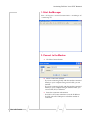
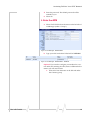
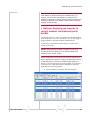
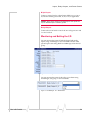
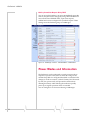
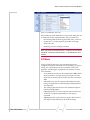
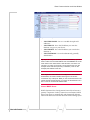
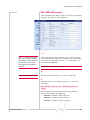
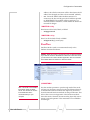
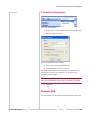
AceManager ‐ Graphical interface for entering most AT Commands. You can download AceManager from the Sierra Wireless AirLink Solutions website: http://
www.airlink.com/support/. A default installation of this utility is assumed later in these directions
Hardware Required
•
Ethernet cable or serial cable ‐ An Ethernet cable or straight through serial cable.
Note: Until you install a driver for the USB port, you cannot use your
USB port to configure the modem.
Rev 3.0B Feb.08
•
Power adapter and a power source ‐ You will need a power supply and power source for the modem.
•
PC or Laptop ‐ To configure the modem, you will need a computer with an available Ethernet port or serial port.
14