1
left page (30) of S75 MINOS, w/o ptt, 143mm, FUG, en, A31008-H2500-A1-1-7619 (13.09.2005, 13:24)
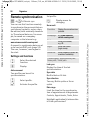
Contacts
Contacts
C ¢L
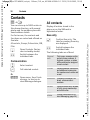
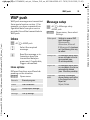
You can store up to 5000 entries in
this phone directory, with several
phone and fax numbers plus additional address details.
For fast access, the contacts and
functions are sorted and offered on
five tabs:
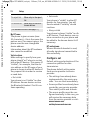
All contacts
Display all entries stored in the
phone or on the SIM card in
alphabetical order.
New entry
ì
Confirm New entry. The
tabs for creating the entry
are displayed.
F
Switch between the
individual tabs.
All contacts, Groups, Online status, SIM,
Filter
H
Open Contacts (fast access in standby mode).
F
Switch between the
individual tabs.
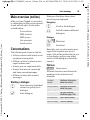
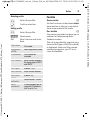
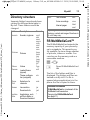
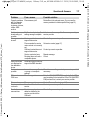
The following tabs are offered:
General
sett.
First name, surname and important phone numbers. A
ringtone, a picture, or video
with sound can be assigned
to each contact.
Private
General address information
and additional communication numbers such as fax and
e-mail.
Business
Company information, address, communication
numbers.
Person
Personal details such as date
of birth, group membership
and other notes.
Online
status
Contact information for Instant Messaging (page 54).
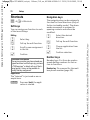
Communication
I
Select contact.
A
Call selected contact.
Or
§Options§
Open menu, then Create
message, to start an Instant Message dialogue.
© Siemens AG 2003, C:\Daten_itl\Siemens\DTP-Satz\Produkte\S75_Minos_1\out-
Template: X75, Version 2.2;VAR Language: en; VAR issue date: 050822
30