1
left page (128) of C65 Hera en, A31008-H7800-A1-1-7619 (15.06.2004, 08:19)
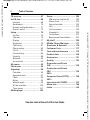
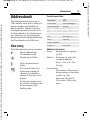
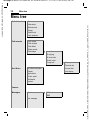
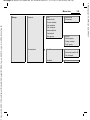
Menu tree
Menu tree
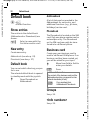
Default book
> Show entries
<New entry>
Business card
Groups
Default book
<Info numbers>
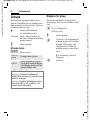
Call records
> Calls missed
Calls received
Calls dialled
Delete records
Time/charge
> Last call
All outgoing
All incom.calls
Remain. units
Charge sett.
> Currency
Personal rate
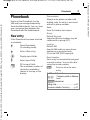
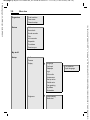
Surf & fun
> URL/service provider
Account limit
Games
Auto display
Applications
Downl. assist.
Bookmarks
Internet
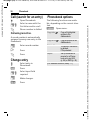
Camera
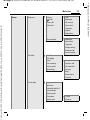
Messages
> Create new
> SMS text
MMS
Inst. message
Siemens AG 2003, C:\Daten\Siemens\Produkte\C65\output\FUG\C65_fug_en_040615_rs_pk_druck\C65_MenuTree.fm
VAR Language: en; VAR issue date: 040517
128