1
left page (43) of S65 FUG en, A31008-H7400-A1-1-7619 (21.01.2005, 10:09)
S65 FUG en, A31008-H7400-A1-2-7619
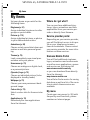
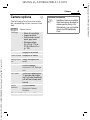
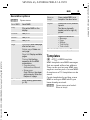
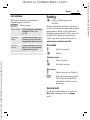
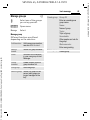
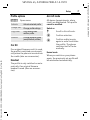
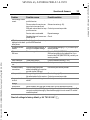
Camera options
b
The following functions are available, depending on the current situation.
§Options§
Open menu.
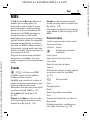
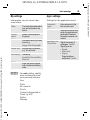
Settings
• Name for recordings
• Image resolution
• Colour mode: normal,
sepia, grey tones.
• Storage medium:
My stuff (p. 115) or
RS MultiMediaCard
(p. 116)
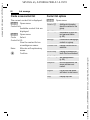
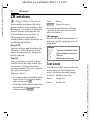
Pictures
Display list of photos.
Siemens AG 2003, L:\Mobil\R65\S65_Penelope_v2\en\fug\S65_Camera.fm
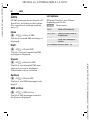
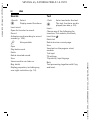
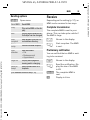
Other videos Display list of videos.
Microphone Switch microphone on
on
or off.
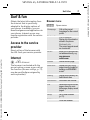
Use flash
Choose between:
Automatic, Off, Red eye
red.
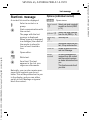
Self timer
The photo is taken approx.
15 seconds after triggering. For the last 5 seconds,
you will hear a beep each
second.
White
balance
Choose between:
Automatic, Indoor,
Outdoor
(For standard functions see p. 16)
43
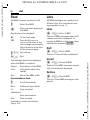
Additional information
Insufficient memory available.
Start the memory assistant to
delete specific data (p. 85).
Alternatively, you can transfer
data to the RS MultiMediaCard.
Ê
VAR Language: en; VAR issue date: 040517
Camera