1
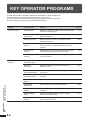
KEY OPERATOR PROGRAMS
KEY OPERATOR PROGRAMS
OK
COPIER MODE
OTHER FUNCTION
SETTINGS
ENABLE/DISABLE
SETTINGS
5
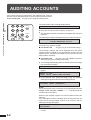
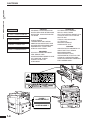
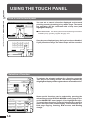
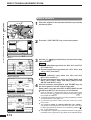
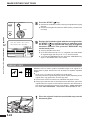
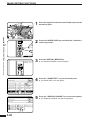
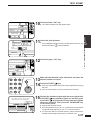
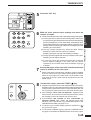
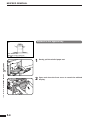
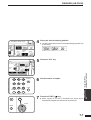
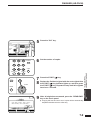
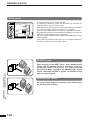
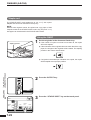
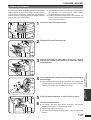
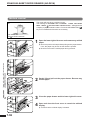
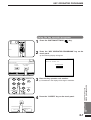
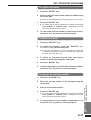
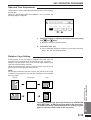
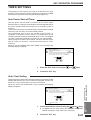
Select the desired category on the touch panel.
Example: To select the account control category, press the
6
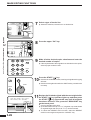
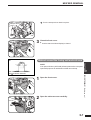
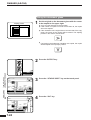
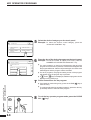
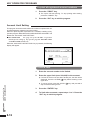
Press the key of the desired program on the touch panel.
Example: To see the number of copies per account, press the
“ACCOUNT CONTROL” key.
TIMER SETTINGS
ACCOUNT CONTROL
KEY OPERATOR PROGRAMS
OK
ACCOUNT CONTROL
AUDITING MODE.
1/2
“NUMBER OF COPIES PER ACCOUNT.” key.
●
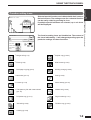
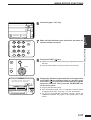
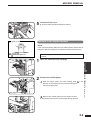
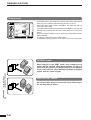
For some programs, a check box is displayed to the left of the
program name. If the box is pressed, a check mark will appear and
the program will be set. If the box is pressed again, the check mark
will disappear and the program will be cancelled.
●
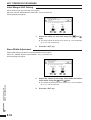
For other programs, the program setting screen of the program
will appear when the program key is pressed.
●
If
and/or
keys are displayed, additional programs can be
displayed using these keys.
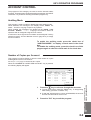
NUMBER OF COPIES PER ACCOUNT.
RESETTING ACCOUNT.
ACCOUNT NUMBER CONTROL.
7
KEY OPERATOR’S GUIDE
Key operator programs
INTERRUPT
CLEAR ALL
CA
CLEAR
C
8
CHAPTER
START
8-8
8
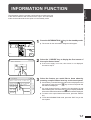
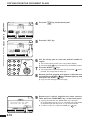
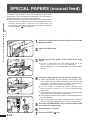
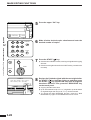
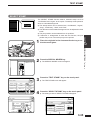
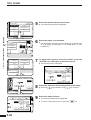
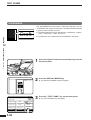
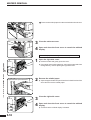
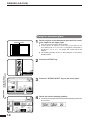
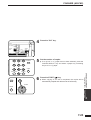
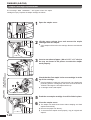
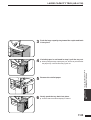
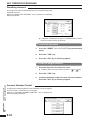
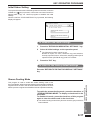
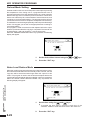
Follow instructions for the program.
●
If a mistake is made during entry, press the CLEAR (
clear the entry.
●
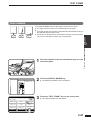
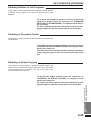
To continue with other key operator programs, press the “OK” key
(if needed) and then select another program.
C
) key to
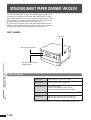
To exit the key operator program mode, press the CLEAR
ALL ( CA ) key.