1
ENGLISH
FRANÇAIS
Playing back a Tape
Visionnez une cassette
Various Functions in PLAYER mode
Fonctions du mode Magnétoscope
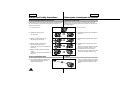
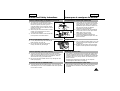
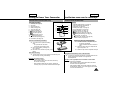
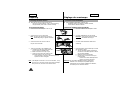
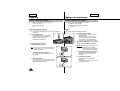
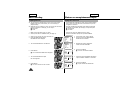
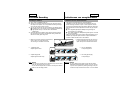
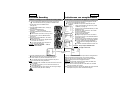
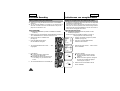
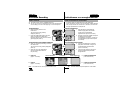
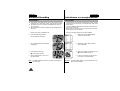
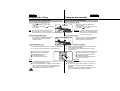
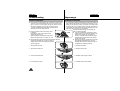
To view a STILL picture (Playback pause)
- Press
(PLAY/STILL) button during
playback.
- To resume playback, press
(PLAY/STILL)
button again.
Arrêt sur image (mode pause)
- Appuyez sur la touche
(PLAY/STILL)
pendant la lecture.
PLAY/STILL
- Pour reprendre la lecture, appuyez de nouveau
sur la touche
(PLAY/STILL).
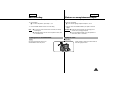
Note: Your camcorder will automatically stop if it is
left for more than 5 minutes in STILL mode
without operation in order to prevent tape and head-drum wear.
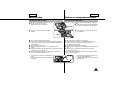
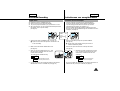
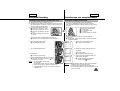
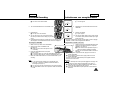
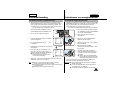
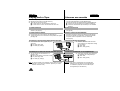
To locate a scene (picture search)
- Press
(FF) or
(REW) buttons during
playback. To resume normal playback,
release the buttons.
Remarque: pour éviter l'usure de la cassette et des
têtes vidéo, votre caméscope s'arrête
automatiquement s'il est laissé plus de
5 minutes en mode pause.
Recherche d’une séquence
- Appuyez sur la touche
(FF) ou
(REW)
FF
pendant la lecture. Pour reprendre la lecture
normale, relâchez la touche enfoncée.
REW
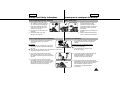
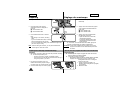
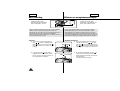
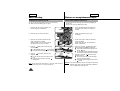
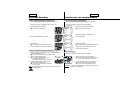
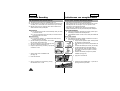
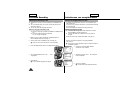
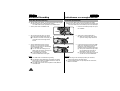
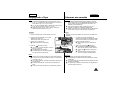
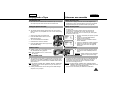
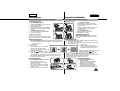
Zero RETURN (SCL650 only)
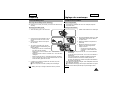
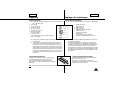
✤ The ZERO RETURN function works in STOP of PLAYER mode.
✤ You can Fast Forward or Rewind to 0:00:00 automatically.
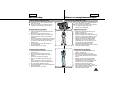
1. Set the power switch to PLAYER mode.
■ Make sure that STOP is displayed.
2. Press the ZERO RETURN button.
■ Z.RETURN is displayed.
■ FF or REW works automatically.
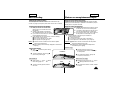
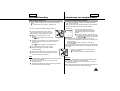
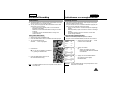
Notes:
■ The ZERO RETURN button does not work when
the TAPE COUNTER reads 0:00:00.
■ Set the COUNTER RESET to “C.RESET 0:00:00” in MENU
mode at the start of the cassette or the required sequence.
When you wish to find this point on the tape again, press
Z.RETURN button when playback is stopped.
54
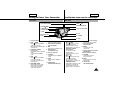
START/
STOP DISPLAY
SELF
TIMER
COUNTER
RESET
WIDE
ZERO
STILL RETURN
TELE
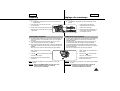
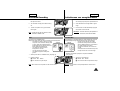
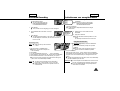
Remise à zéro (SCL650)
✤ Cette fonction peut être utilisée lorsque l’indication “STOP” est
affichée en mode magnétoscope.
✤ Vous pouvez avancer ou rembobiner vers le point 0:00:00
automatiquement.
1. Placez le commutateur sur la position PLAYER.
■ Assurez-vous que “STOP” est affiché.
2. Appuyez sur la touche ZERO RETURN.
■ “Z.RETURN” s’affiche.
■ La bande défile automatiquement vers
l’avant ou vers l’arrière.
Remarque:
■ La remise à zéro ne fonctionne pas si le compteur indique
déjà 0:00:00.
■ En mode menu, réglez l'option C.RESET sur "0:00:00" au
démarrage de la cassette ou à l'endroit de la séquence
souhaitée.
Si vous voulez revenir à ce point de la bande, appuyez sur la
touche Z. RETURN lorsque la lecture est arrêtée.