1
Chapter 3 Quantum PX720 Remote Management
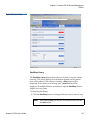
Setup
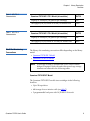
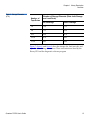
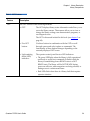
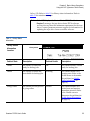
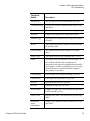
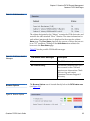
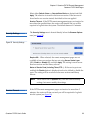
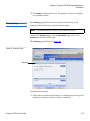
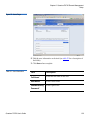
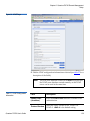
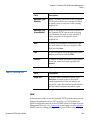
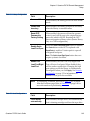
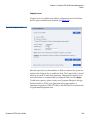
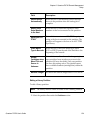
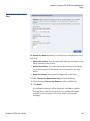
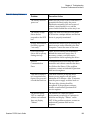
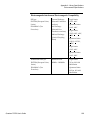
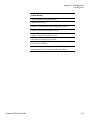
Table 29 Send Email Test
Field
Description
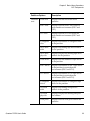
Message Type:
Warning
When a warning state exists on the Quantum
PX720 system such as an overtemp condition,
an email is sent to everyone on the warning
recipient list.
Message Type:
Informational
When an informational event has occurred on
the Quantum PX720 system such as starting
up or shutting down the system, an email is
sent to everyone on the operator access
recipient list.
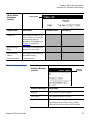
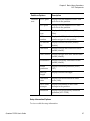
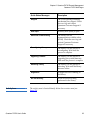
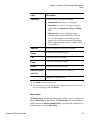
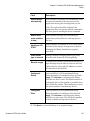
New
To add a new recipient to a specific list, type
the email address of the new recipient in the
field and click Save.
Edit
To edit a recipient, select the individual email
address from the list and click Edit.
Remove
To remove an email notification type from the
E-mail list, select the E-mail type and click
Remove.
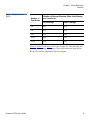
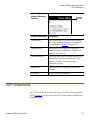
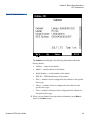
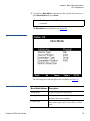
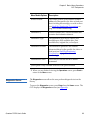
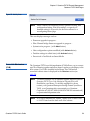
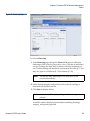
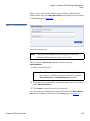
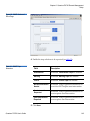
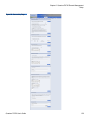
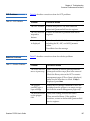
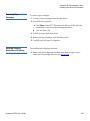
Field
Description
Send Test
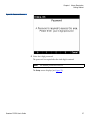
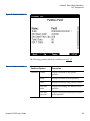
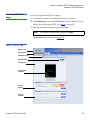
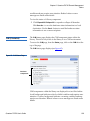
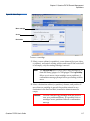
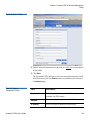
To test the email notification system, click
Send Test. An email is sent to the critical
e-mail recipients list. If the test email is not
successful, verify the email server information
and the critical recipients list and try again.
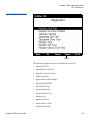
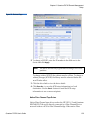
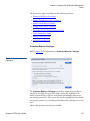
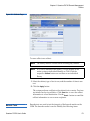
SNMP
3
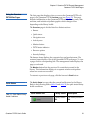
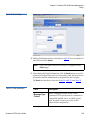
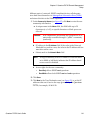
If the customer wishes to use the Quantum PX720 system with a network
framework application such as HP OpenView, or CA Unicenter, the
SNMP configuration must be defined. SNMP stands for Simple Network
Management Protocol, a set of protocols for managing complex networks.
SNMP works by sending messages, called protocol data units (PDUs), to
Quantum PX720 User’s Guide
140