1
Chapter 3 Quantum PX720 Remote Management
Operations
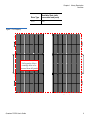
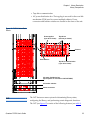
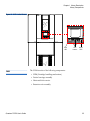
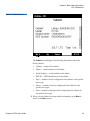
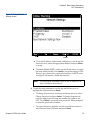
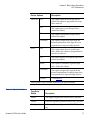
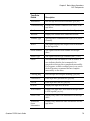
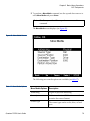
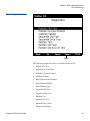
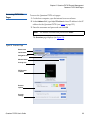
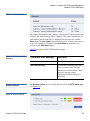
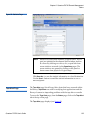
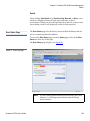
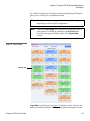
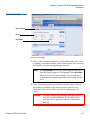
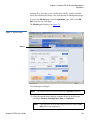
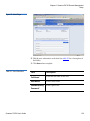
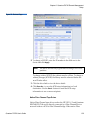
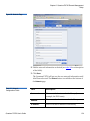
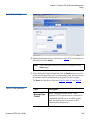
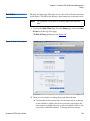
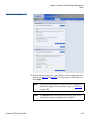
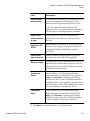
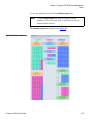
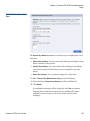
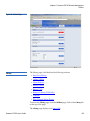
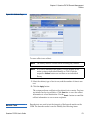
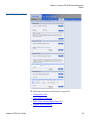
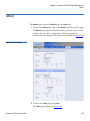
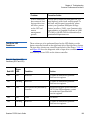
Figure 70 Drives Page
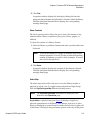
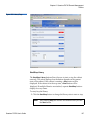
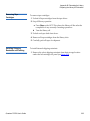
Drive operations
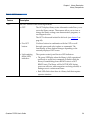
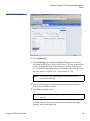
To perform an action on a tape drive(s)
1 Select a partition or cabinet, drive (or all drives), and a count.
Note:
The count indicates the range of drives where the action is
performed.
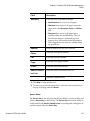
2 Select the action to perform (unthread, reset, shutdown, or power
on).
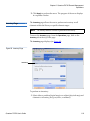
3 Click Apply to perform the action.
Caution:
If auto-unload is disabled, move any cartridges in a
tape drive to another element before powering the
drive off.
The drive actions are performed.
Sift Sort
3
Quantum PX720 User’s Guide
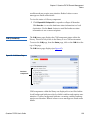
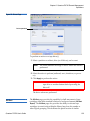
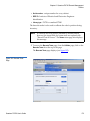
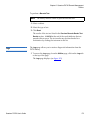
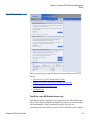
The Sift Sort page provides the capability for bulk movement of tape
cartridges from their standard locations to load port elements (Sift Sort
Export). The Sift Sort page also provides the ability to relocate tape
cartridges in sorted order within the library based on slot number or
other logical grouping. This facilitates the quick location of similar
120