1
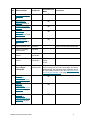
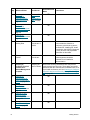
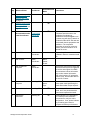
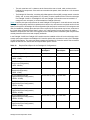
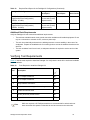
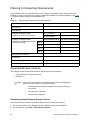
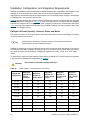
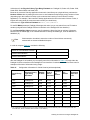
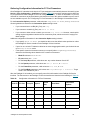
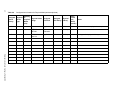
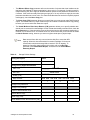
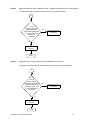
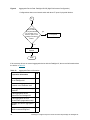
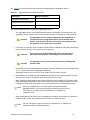
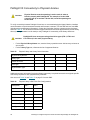
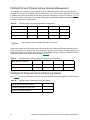
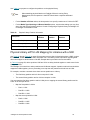
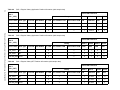
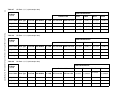
Step Milestone/Name Task Owner Information and Instructions Notes 44 Physical Library eVPS LUN Mapping for Libraries with a SNC on page 53 45 Physical Library eVPS LUN Mapping for Libraries with IOBs on page 55 46 Send all Pre-Sales documentation to the E-mail Install Install Coordinator Coordinator 47 Install SR Number Install Coordinator 48 EMC Contact Install Coordinator 49 EMC Entitlement Complete Install Coordinator 50 Actual Install Date Complete Installing SE 51 Successful Install Installing SE Please indicate if it was a successful Install, and if not please describe what issues impacted the install. 52 Test Backup Performed Installing SE Please indicate if you were able to run a backup in the customer's environment to verify the entire configuration. If not, please indicate any remaining open items to complete the backup environment. Pathlight VX Site Preparation Guide Upon completion of each section, the worksheet should be sent to the Installation Coordinator at [email protected]. A master copy will then be stored on CS Web for other ADIC TMs who are involved with the site preparation and installation. The completed information is stored by customer, location, and serial number on an internal file server. All preceding information must be available in order to create the Install SR. Name: Phone: E-mail: The process performed by ADIC staff that ensures the system is registered for service and support from EMC. The worksheet collects information such as site contact information, DPE serial numbers, IP addresses, modem (Y/N), and the start date for the service contract. Date: Hours: Trips: Date the Install was completed, Hours spent onsite performing the install and number of trips required. 11