1
9 • Reports
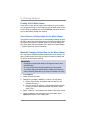
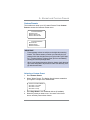
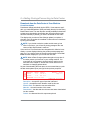
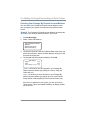
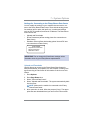
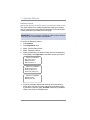
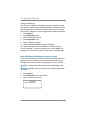
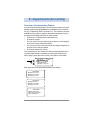
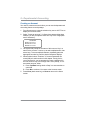
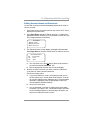
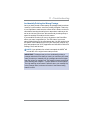
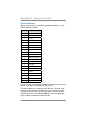
Configuration Report
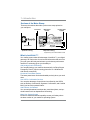
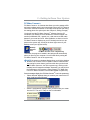
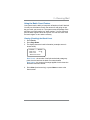
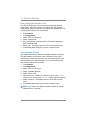
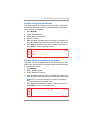
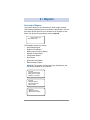
This report lists configuration information about your machine and
Postage By Phone® account. It is generally a report you will not
have to access unless your Pitney Bowes Customer Service Representative requests that you print it out.
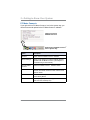
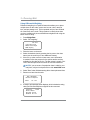
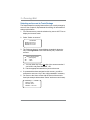
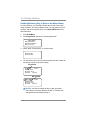
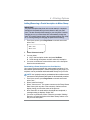
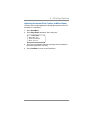
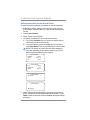
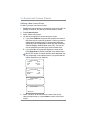
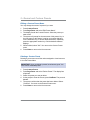
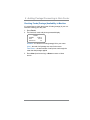
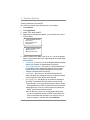
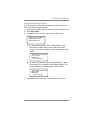
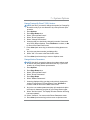
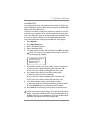
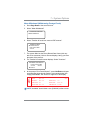
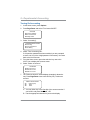
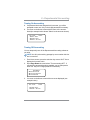
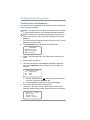
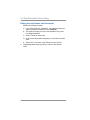
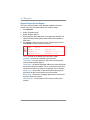
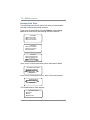
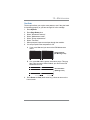
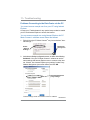
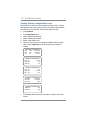
Press Reports.
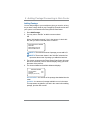
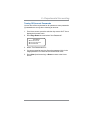
Select "Printable report".
Select "Configuration Report".
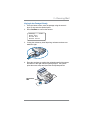
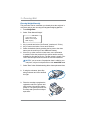
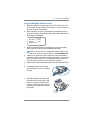
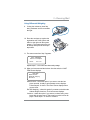
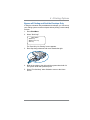
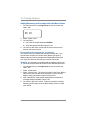
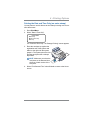
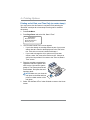
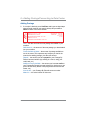
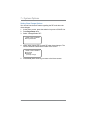
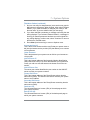
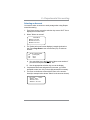
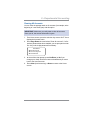
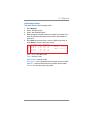
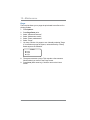
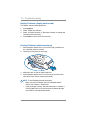
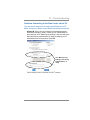
When prompted, insert tape sheet or envelope into machine. The
report is printed and the system returns back to the Printable reports menu.
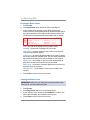
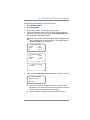
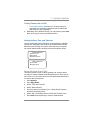
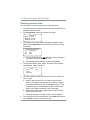
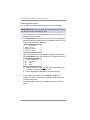
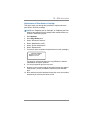
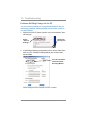
5. Press Clear (back arrow key) to return to Report type menu or
press Home to return to the Home screen.
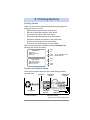
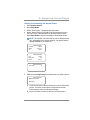
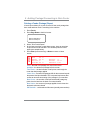
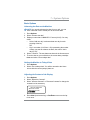
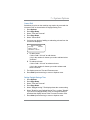
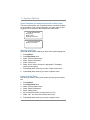
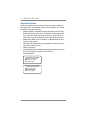
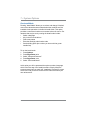
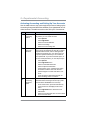
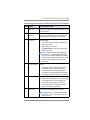
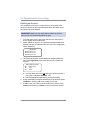
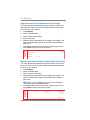
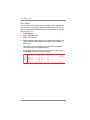
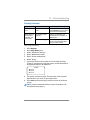
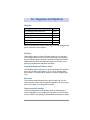
Cfg Report
1.
2.
3.
4.
PBP Serial No: 0 0 1 1 9 6 9
PBP Account: 9 9 9 9 9 9 9 9
PSD Ser. # 4C46000000007E4C
PrtHd No.: 5 0 0 0 0 1 0 4
Printer Ser.#: 999999999
SV62214 Rev. A
PSD: 09. 00. 00
UIC: 16 . 02
Rate Mgr: 04 . 02
PHS: 1 . 11
Platform: D1.01
SEP 28 08
9 : 25A
PCN: P700
SMR: 000
9-7