1
7 • System Options
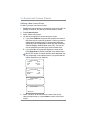
Settings for Connecting to the Pitney Bowes Data Center
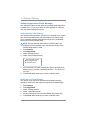
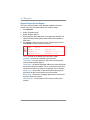
You can modify the settings on your machine that are used to connect to the Pitney Bowes Data Center. These include analog phone
line settings (tone or pulse, dial prefix, etc.) to advanced settings
such as user ID, password, and server IP address. The Data Center
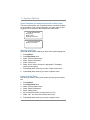
menu choices are:
•
•
Uploads and Downloads
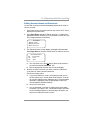
Phone Parameters (affects analog phone line connections to
Data Center)
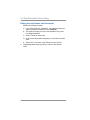
Distributor Values (affects both analog phone line and PC internet connections to Data Center)
•
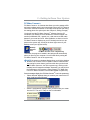
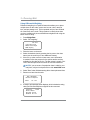
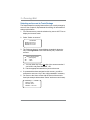
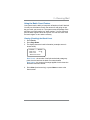
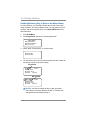
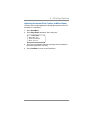
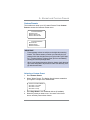
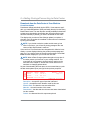
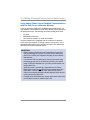
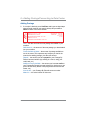
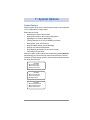
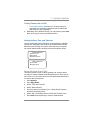
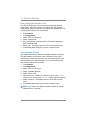
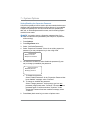
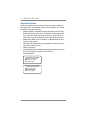
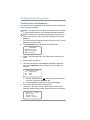
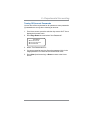
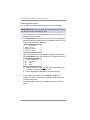
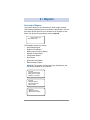
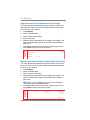
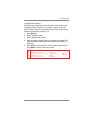
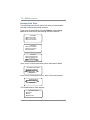
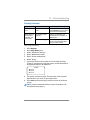
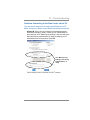
DATA CENTER
◄Uploads and Downloads
◄Phone Parameters
◄Distributor Values
IMPORTANT: Do not change the Data Center settings unless
directed to do so by your Pitney Bowes representative.
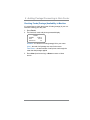
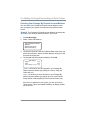
Uploads and Downloads
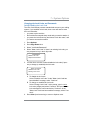
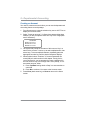
Use this feature to connect to the Pitney Bowes Data Center for
software downloads, new updates, etc. See Chapter 6, Adding Postage/Connecting to Data Center for information on when to use this
feature.
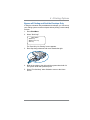
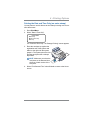
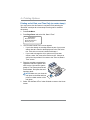
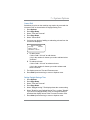
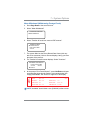
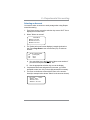
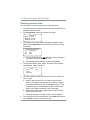
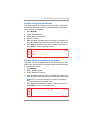
1.
2.
3.
4.
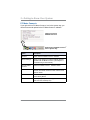
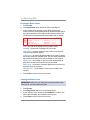
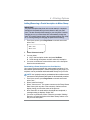
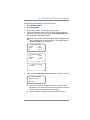
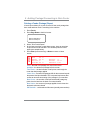
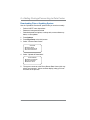
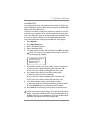
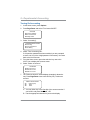
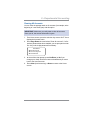
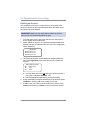
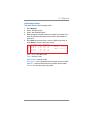
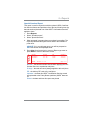
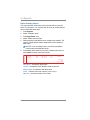
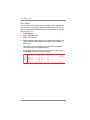
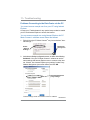
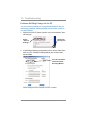
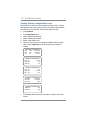
Press Options.
Press Page Down twice.
Select "Connect-Data Center".
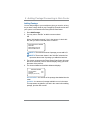
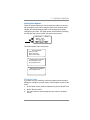
Select "Uploads and Downloads". The system automatically dials
into the center.
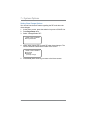
i NOTE: Make sure the machine is connected to the Pitney
Bowes Data Center.
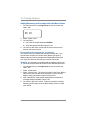
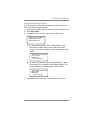
5. After connection is made, follow the prompts (if any). The appropriate files are downloaded and you return to the Home screen.
SV62214 Rev. A
7-15