1
e04_kb341_079_109_41e.qk
03.2.14
4:07 PM
Page 96
Viewing Images with your PC
By using the provided USB cable (I-USB7) or card reader and
image-browser software, you can transfer images recorded with
the camera to your PC and edit them or print them out.
This section explains how to view images on your PC using the
provided software (S-SW8).
Installing the software
The procedures for installing the necessary software are
explained.
• If you are using Windows 2000 or Windows XP
(Professional),
Please Login as an administrator user before starting
installation.
Refer to your PC’s operating manual for instructions on
how to login.
Caution
About the included software
The included CD-ROM (S-SW8) contains the following software:
- USB driver
- Image viewing software (ACDSee™)
- Panorama software (ACD Photostitcher)
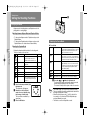
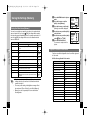
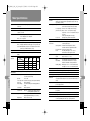
System environment
Windows 98/98 SE/2000/Me
Windows XP Home Edition/Professional
CPU:
Pentium or later recommended
Memory: 64MB or more
Hard disk space: 15MB or more
Standard equipped USB port
z
x
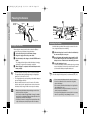
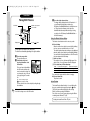
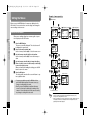
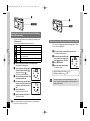
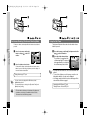
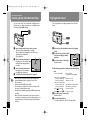
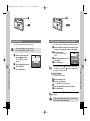
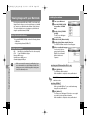
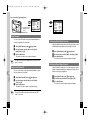
Follow the procedure below to display the screen.
1) Double click the [My Computer] icon on the desktop.
2) Double click the [CD-ROM Drive (S-SW8)] icon.
3) Double click the [Setup.exe] icon.
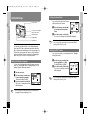
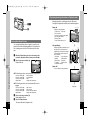
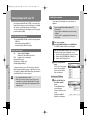
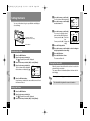
Click your applicable language.
You can choose the language
from the following: English,
French, German, Spanish,
Italian and Japanese.
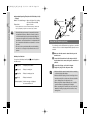
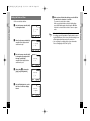
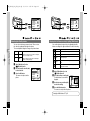
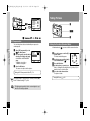
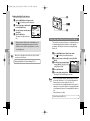
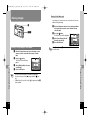
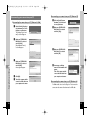
Installing the USB Driver
v
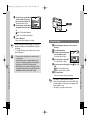
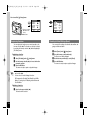
Click the [USB Driver] on
the Software Installer
screen.
The InstallShield Wizard
screen will appear.
Follow the instruction on the
screen.
Complete InstallShield
Wizard screen will appear.
Playback/Erasing/Editing
Playback/Erasing/Editing
96
c
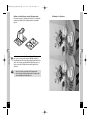
To view movie pictures on your PC, Direct X 8.0 or later and
Media Player pre-installed on system, or QuickTime 3.0 or later
are required. For Windows Me/XP, Media Player pre-installed on
system, QuickTime 3.0 or later is required.
• Not compatible with Windows 95/NT.
• When you connect the camera to your PC, you are recommended to use the AC adapter D-AC8. If the battery
power runs out while image data is being transferred, the
data may be lost.
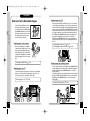
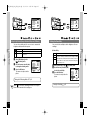
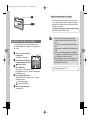
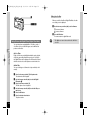
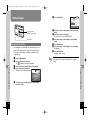
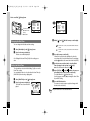
Insert the CD-ROM (S-SW8) into your CD-ROM drive.
The PENTAX Software Installer screen will appear.
If the PENTAX Software Installer screen is not displayed
OS:
Caution
Turn on your computer.
97