1
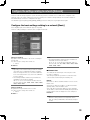
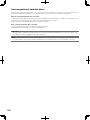
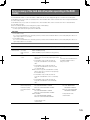
Change or delete the user information
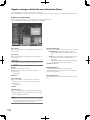
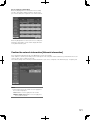
Change or delete the user information that has been registered.
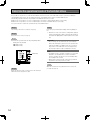
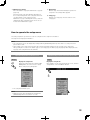
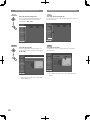
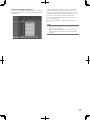
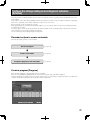
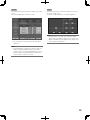
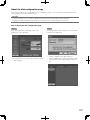
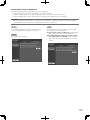
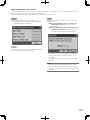
Step 1
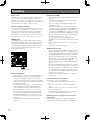
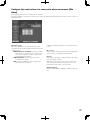
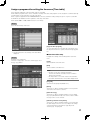
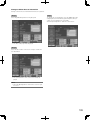
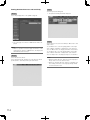
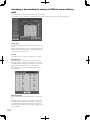
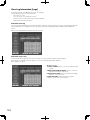
Select the [Edit/delete] button on the [User] tab.
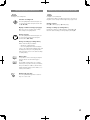
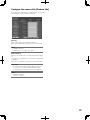
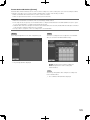
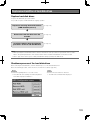
Step 3
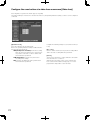
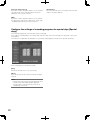
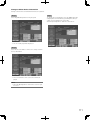
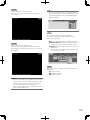
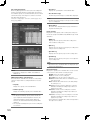
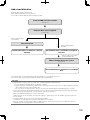
To change the user information, select the [Edit] button after
changing the user information by performing the same procedure as user registration. (☞ Page 108)
Select the [Delete] button to delete the selected user.
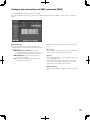
→ The "User edit" page will be displayed.
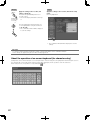
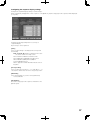
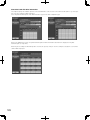
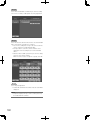
Step 2
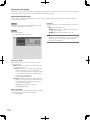
Select the "User name" of the user to change or delete the
user information.
→ The user information of the selected user will be displayed.
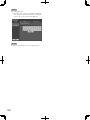
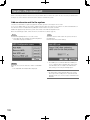
Note:
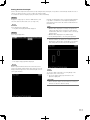
• Select the [Back] button to return to the screen to register a user.
109