1
Chapter 4 Settings — [POSITION] menu
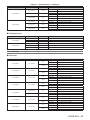
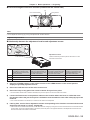
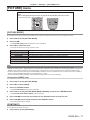
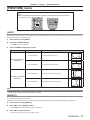
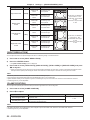
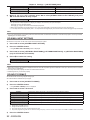
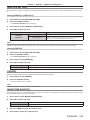
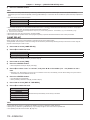
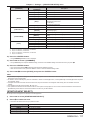
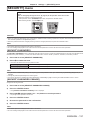
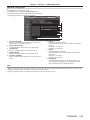
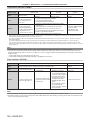
[CURVED]
[HORIZONTAL BALANCE]
[VERTICAL BALANCE]
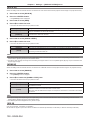
[MAINTAIN ASPECT RATIO]
Select [ON] to correct while keeping the aspect ratio.
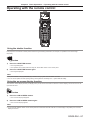
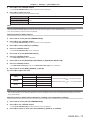
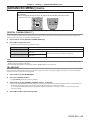
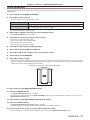
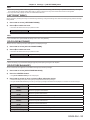
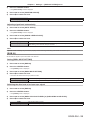
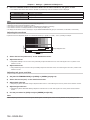
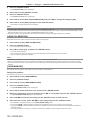
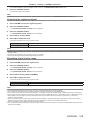
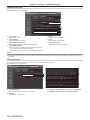
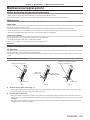
Setting [CORNER CORRECTION]
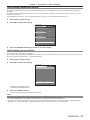
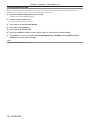
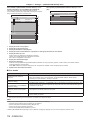
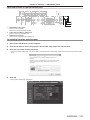
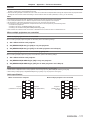
1) Press as to select [GEOMETRY].
2) Press qw to select [CORNER CORRECTION].
3) Press the <ENTER> button.
ff The [GEOMETRY:CORNER CORRECTION] screen is displayed.
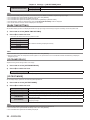
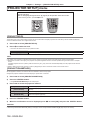
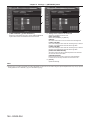
4) Press as to select the item to adjust, and press the <ENTER> button.
5) Press asqw to adjust.
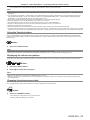
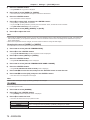
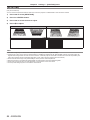
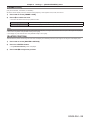
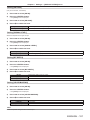
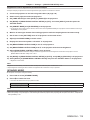
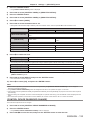
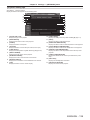
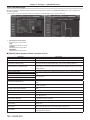
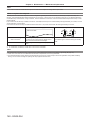
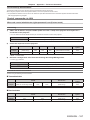
[CORNER CORRECTION]
[UPPER LEFT]
[UPPER RIGHT]
[LOWER LEFT]
[LOWER RIGHT]
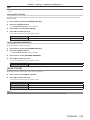
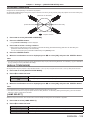
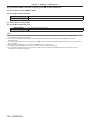
[LINEARITY]
Horizontal direction
Vertical direction
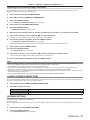
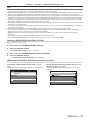
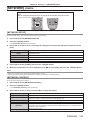
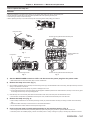
Note
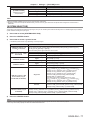
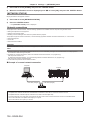
ff The menu or logo may run off the screen when [GEOMETRY] is set.
ff If [EDGE BLENDING] (x page 87) adjustment and [GEOMETRY] are used together, correct edge blending adjustment may not be
possible in certain environments.
ff The optional Upgrade Kit (Model No.: ET‑UK20) can be used to expand the correctable range. To purchase the product, consult your dealer.
ENGLISH - 83