1
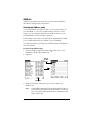
Beaming information
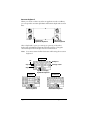
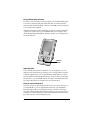
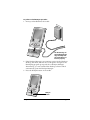
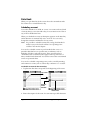
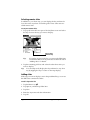
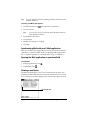
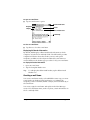
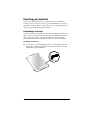
Your handheld is equipped with an IR (infrared) port that you can use
to beam information to another Palm OS handheld that’s close by and
also has an IR port. The IR port is located on the side of the handheld,
behind the small dark shield.
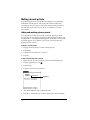
You can beam the following information between Palm OS handhelds:
■
The record currently displayed in Date Book, Address, To Do List,
or Memo Pad
Note:
You cannot beam records from Date Book Plus.
■
All records of the category currently displayed in Address, To Do
List, or Memo Pad
■
A special Address record that you designate as your personal
business card, containing information you want to exchange with
business contacts
■
An application installed in RAM memory
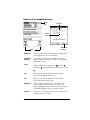
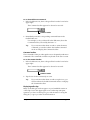
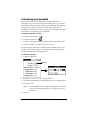
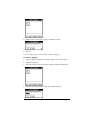
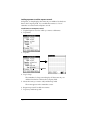
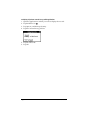
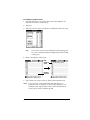
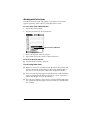
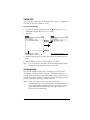
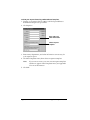
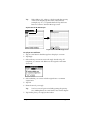
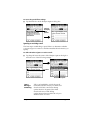
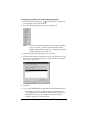
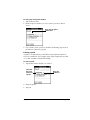
To select a business card:
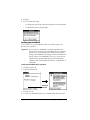
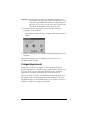
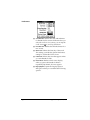
1. Create an Address record that contains the information you want
on your personal business card.
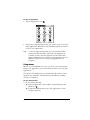
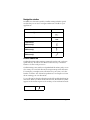
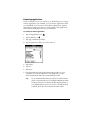
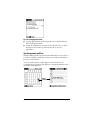
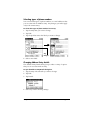
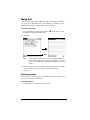
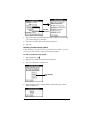
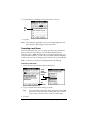
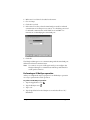
2. Tap the Menu icon
.
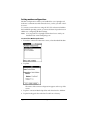
3. Tap Record, and then tap Select Business Card.
4. Tap Yes.
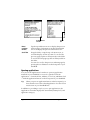
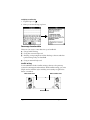
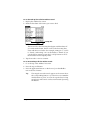
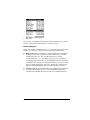
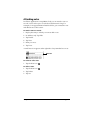
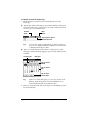
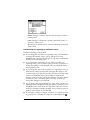
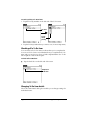
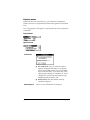
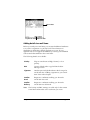
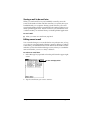
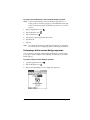
To beam a record, business card, or category of records:
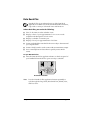
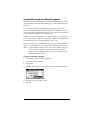
1. Locate the record, business card, or category you want to beam.
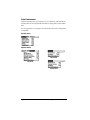
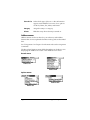
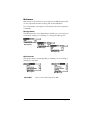
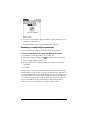
2. Tap the Menu icon
.
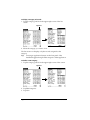
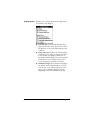
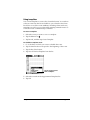
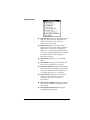
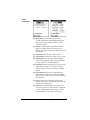
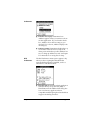
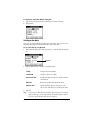
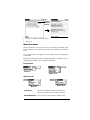
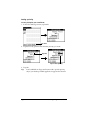
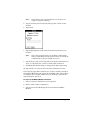
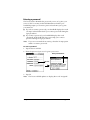
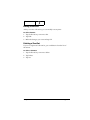
3. Tap Record, and then tap one of the following:
The Beam command for an individual record
In Address only: Beam Business Card
Beam Category
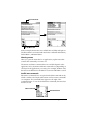
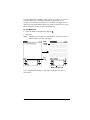
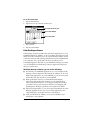
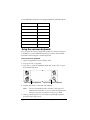
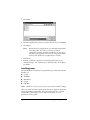
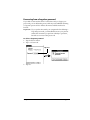
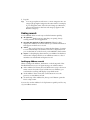
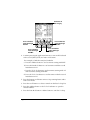
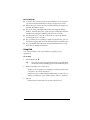
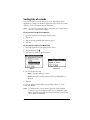
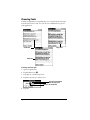
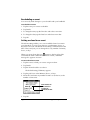
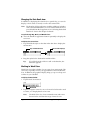
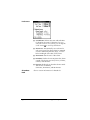
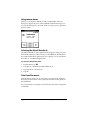
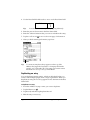
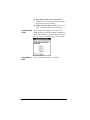
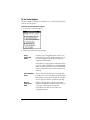
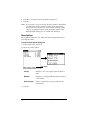
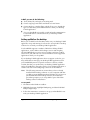
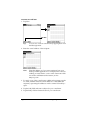
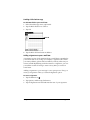
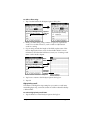
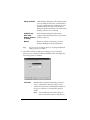
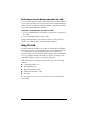
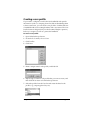
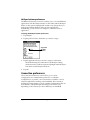
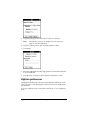
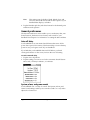
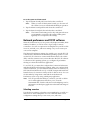
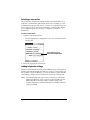
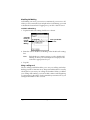
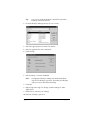
4. When the Beam Status dialog box appears, point the IR port
directly at the IR port of the receiving handheld.
Tip:
For best results, the IR port of the Visor handhelds should
be held to face one another and the path between
the two handhelds must be clear of obstacles. Beaming
distance between Palm OS handhelds may vary so move the
devices closer together until the beam in received.
Page 184
Communicating Using Your Handheld