1
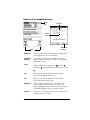
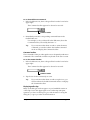
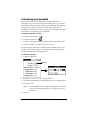
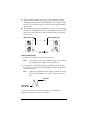
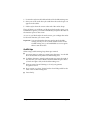
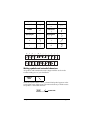
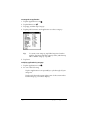
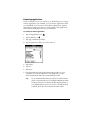
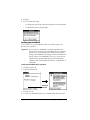
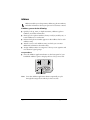
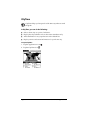
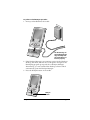
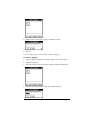
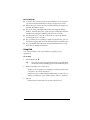
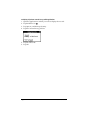
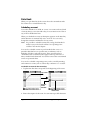
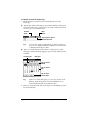
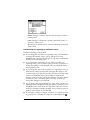
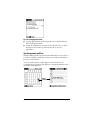
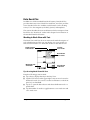
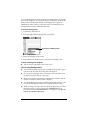
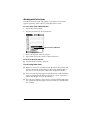
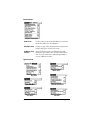
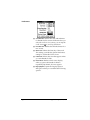
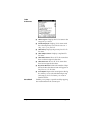
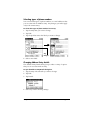
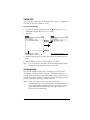
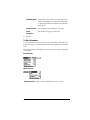
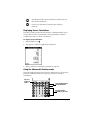
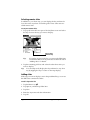
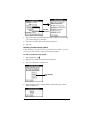
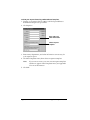
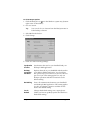
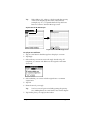
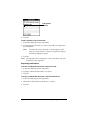
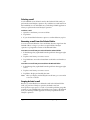
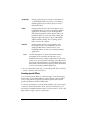
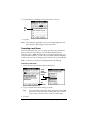
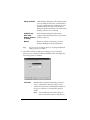
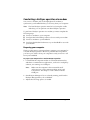
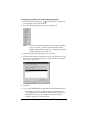
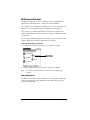
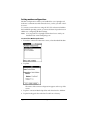
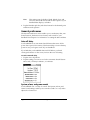
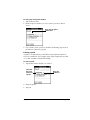
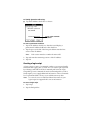
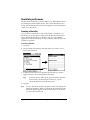
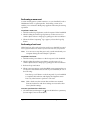
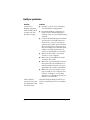
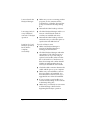
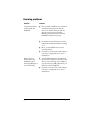
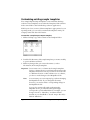
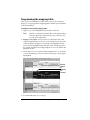
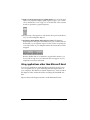
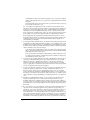
2. Tap the Retrieve All High Priority check box to select it.
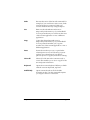
Tap
check
box
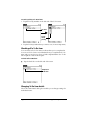
3. Tap OK.
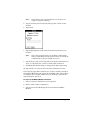
Note: This setting is applicable only if your E-Mail application has
the capacity to flag high-priority e-mail items.
Truncating e-mail items
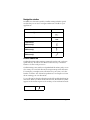
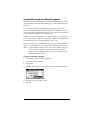
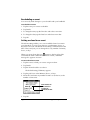
The Truncate feature lets you set a point at which long e-mail items
truncate when downloading to your handheld. By default, this
Truncate value is 4,000 characters. By truncating long messages, you
reduce the time it takes to synchronize your desktop E-Mail and Mail,
as well as the amount of storage space e-mail uses on your handheld.
Note: Truncation is separate and independent from filtering.
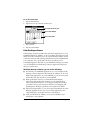
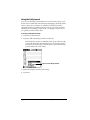
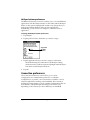
To truncate e-mail items:
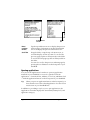
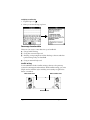
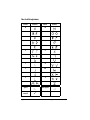
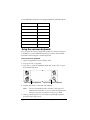
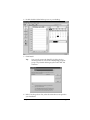
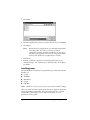
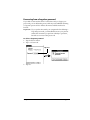
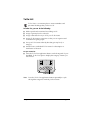
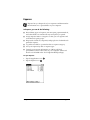
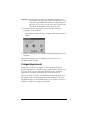
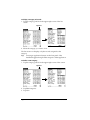
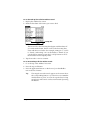
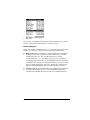
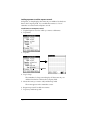
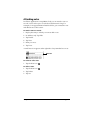
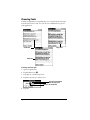
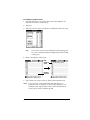
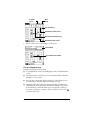
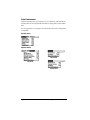
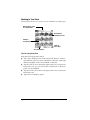
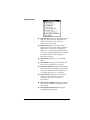
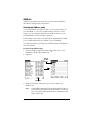
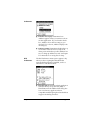
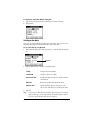
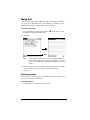
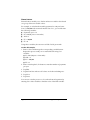
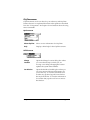
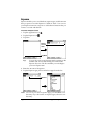
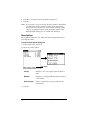
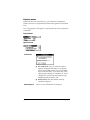
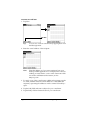
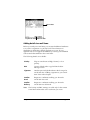
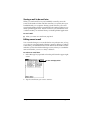
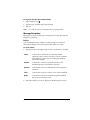
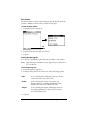
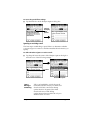
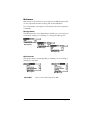
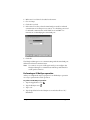
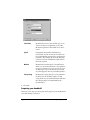
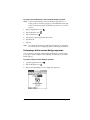
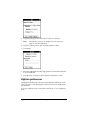
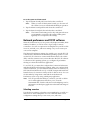
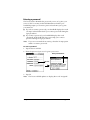
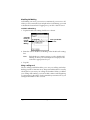
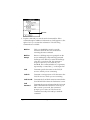
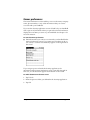
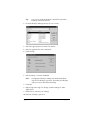
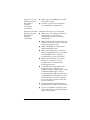
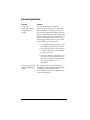
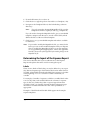
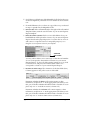
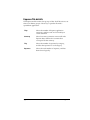
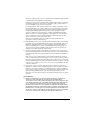
1. Tap Truncate in the HotSync Options dialog box.
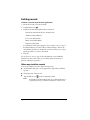
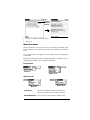
Tap to
select
maximum
length
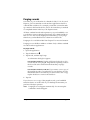
Tap
Truncate
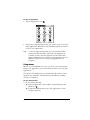
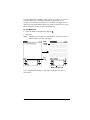
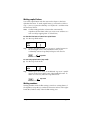
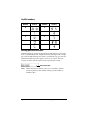
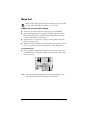
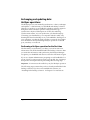
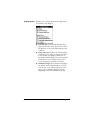
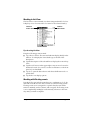
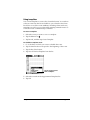
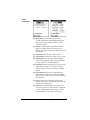
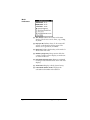
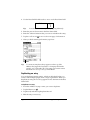
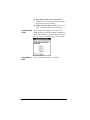
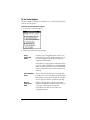
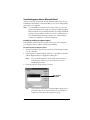
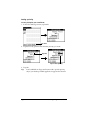
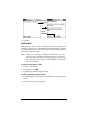
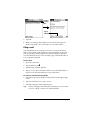
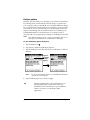
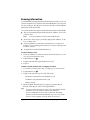
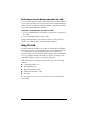
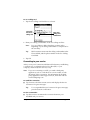
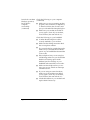
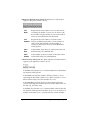
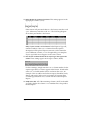
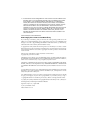
2. Tap to select the truncation setting you want.
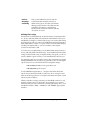
Tip:
If you select the maximum setting, messages can be 8,000
characters; longer messages are truncated. If you select a
lower value, you’ll have more room for e-mail items.
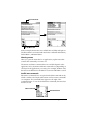
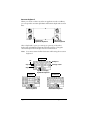
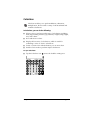
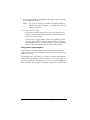
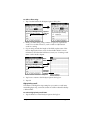
3. Tap OK.
Page 182
Communicating Using Your Handheld