1
CHAPTER
1
MOVING AROUND ON YOUR SMARTPHONE
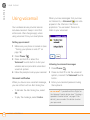
Highlighting and selecting items
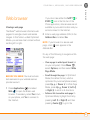
On most screens, one item—a button, a
list entry, or a check box—is highlighted by
default. The highlight identifies which item
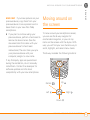
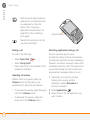
is affected by your next action. Use Left ,
Right , Up , and Down on the
5-way to move the highlight from one item
to another.
If the item you want doesn’t appear on the
screen, try tapping the onscreen scroll arrows
to view more info.
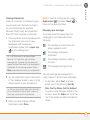
TIP
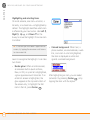
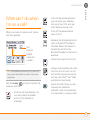
Learn to recognize the highlight. It can take
two forms:
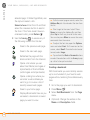
•
6
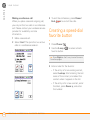
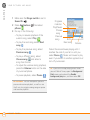
Border glow: When an entire screen,
an onscreen button (such as Done,
New, or OK), or a pick list is highlighted,
a glow appears around its border. If an
entire list screen is highlighted, the
glow appears at the top and bottom of
the screen only; to highlight the first
item in the list, press Center
.
MOVING AROUND ON THE SCREEN
•
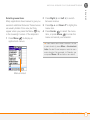
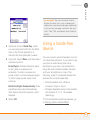
Colored background: When text, a
phone number, an email address, a web
link, or an item in a list is highlighted,
the item is displayed as white text
against a colored background.
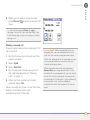
After highlighting an item, you can select
(activate) it by pressing Center
, or by
tapping the item with the stylus.