1
Note
An Autofilter or default filter used on the sheet has no effect for
the analysis of the DataPilot. The DataPilot always uses the
complete list that was selected when it was started.
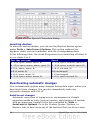
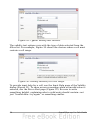
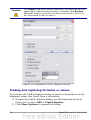
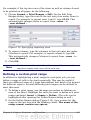
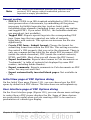
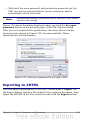
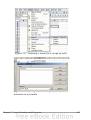
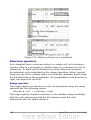
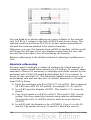
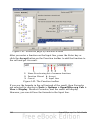
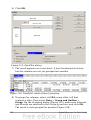
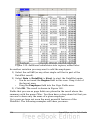
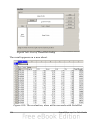
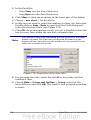
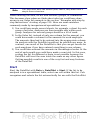
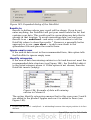
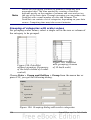
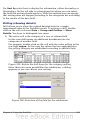
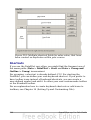
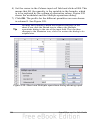
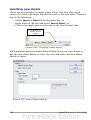
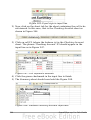
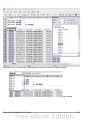
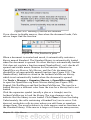
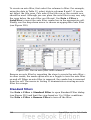
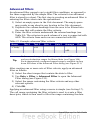
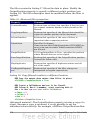
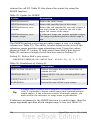
To do this, click Filter on the top left side above the results.
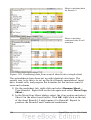
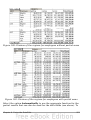
Figure 209: Filter field in the upper left area of the DataPilot
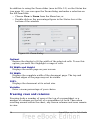
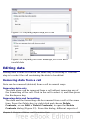
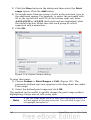
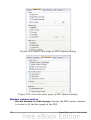
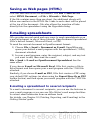
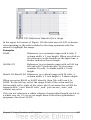
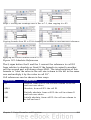
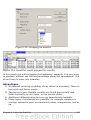
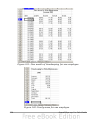
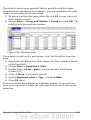
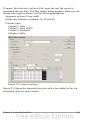
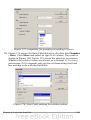
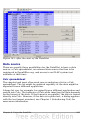
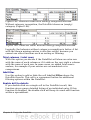
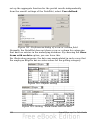
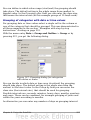
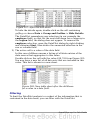
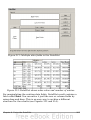
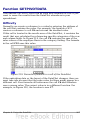
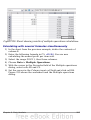
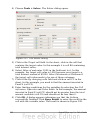
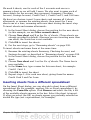
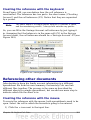
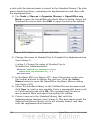
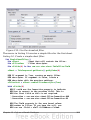
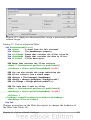
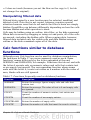
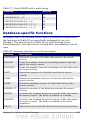
In the Filter dialog, you can define of up to 3 filter options that are
used in the same way as Calc’s default filter.
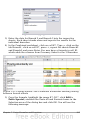
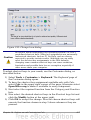
Figure 210: Dialog for defining the filter
Note
Even if they are not called a filter, page fields are a practical way
to filter the results. The advantage is that the filtering criteria
used are clearly visible.
Updating (refreshing) changed values
After you have created the DataPilot, changes in the source data do not
cause an automatic update in the resulting table. You have to always
update (refresh) the DataPilot manually.
Changes in the source data could appear in two ways:
1) The content of existing data sets has been changed.
For example, you might have changed a sales value afterward. To
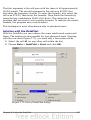
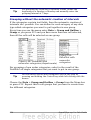
update the DataPilot, right-click in the result area and choose
Refresh (or choose Data > DataPilot > Refresh from the menu
bar).
Chapter 8 Using the DataPilot
261