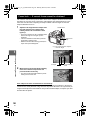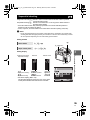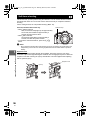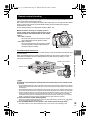
1
s0029_e_00_0_unified.book Page 96 Monday, March 2, 2009 5:26 PM
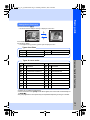
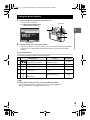
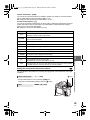
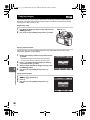
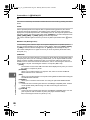
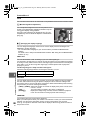
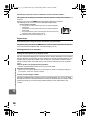
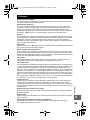
Setting printing data
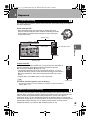
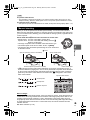
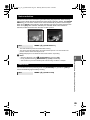
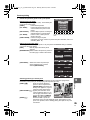
Select whether to print printing data such as the date and time or file name on the picture when
printing.
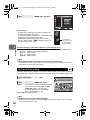
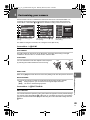
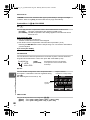
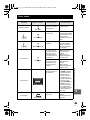
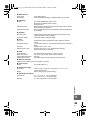
[<×]
Sets the number of prints.
PRINT INFO
[DATE]
Prints the date and time recorded on the
picture.
1
[FILE NAME] Prints the file name recorded on the picture.
DATE
WITHOUT
[P]
Trims the picture for printing. Set the
FILE NAME
WITHOUT
trimming size with the control dial and the
trimming position with the arrow pad.
2
SELECT
SET
GO
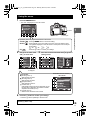
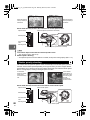
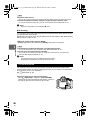
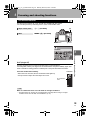
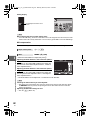
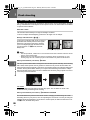
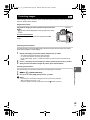
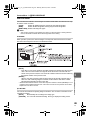
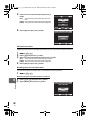
Once you have set the pictures for printing and
printing data, select [PRINT], then press the i button.
[PRINT]
[CANCEL]
Transfers images you print to the printer.
Resets the settings. All print reservation
data will be lost. If you want to keep the
print reservation data and make other
settings, press b. This returns you to the
previous setting.
PRINT
PRINT
CANCEL
CANCEL
SELECT
GO
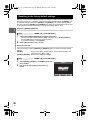
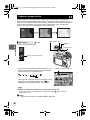
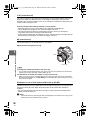
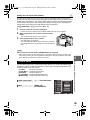
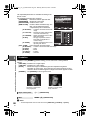
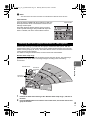
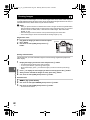
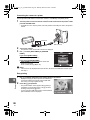
• To stop and cancel printing, press the i button.
[CONTINUE] Continues printing.
[CANCEL]
Cancels printing. All print reservation data
will be lost.
PRINT
CONTINUE
CANCEL
SELECT
10
Printing
96
EN
GO