1
208 Chapter 5 Configuring groups and profiles
Creating a default group using the CLI
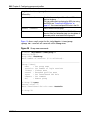
To create a default group, first create a group with extended profiles mapped to a
restrictive VLAN (see “Configuring groups using the CLI” on page 198 and
“Configuring extended profiles using the CLI” on page 203). Then use the
following command to make this group the default group:
/cfg/domain 1/aaa/defgroup <group name>
Configuring groups and extended profiles using
the SREM
The basic steps to configure groups and extended profiles on the Nortel
SNAS 4050 using the SREM are:
1
Configure the group (see “Configuring groups using the SREM” on
page 208).
2
Configure the client filters that will be referenced in the extended profiles (see
“Configuring client filters using the SREM” on page 213).
The client filters can be referenced by all extended profiles in the domain.
3
Configure the extended profiles for the group (see “Configuring extended
profiles using the SREM” on page 219).
4
Map the linksets to the group and extended profiles (see “Mapping linksets to
a group or profile using the SREM” on page 223).
5
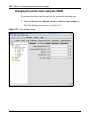
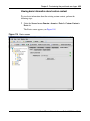
Create a default group, if desired (see “Creating a default group using the
SREM” on page 230).
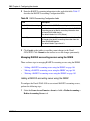
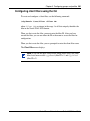
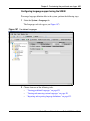
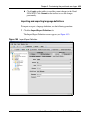
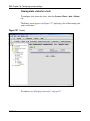
Configuring groups using the SREM
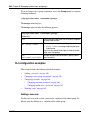
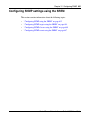
This section contains the following topics:
•
•
•
320818-A
“Using the guide for creating groups” on page 209
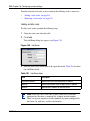
“Adding a group” on page 210
“Modifying a group” on page 212