1
Chapter 12 Configuring SNMP 637
3
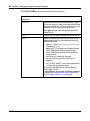
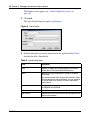
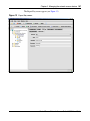
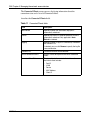
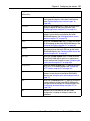
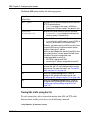
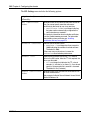
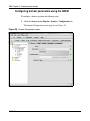
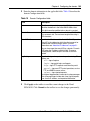
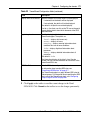
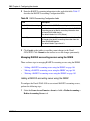
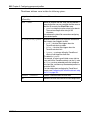
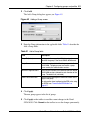
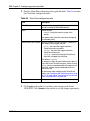
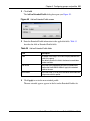
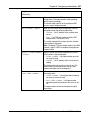
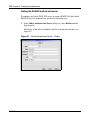
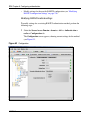
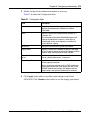
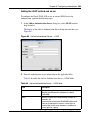
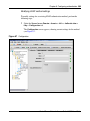
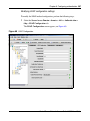
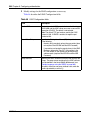
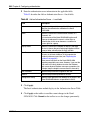
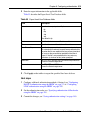
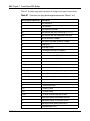
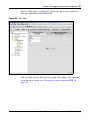
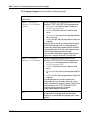
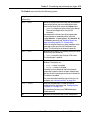
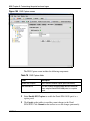
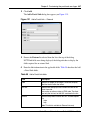
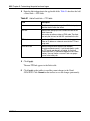
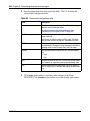
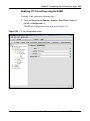
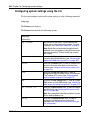
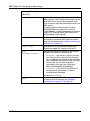
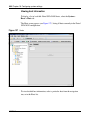
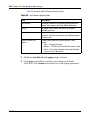
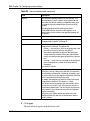
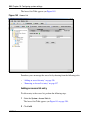
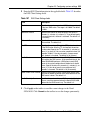
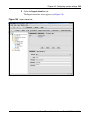
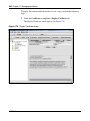
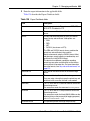
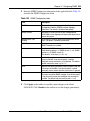
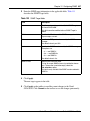
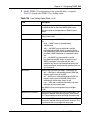
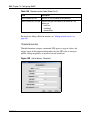
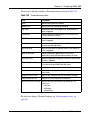
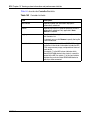
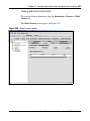
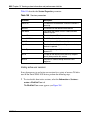
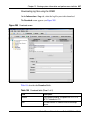
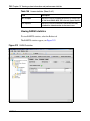
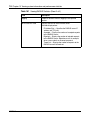
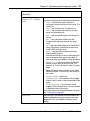
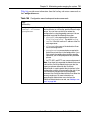
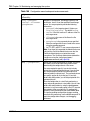
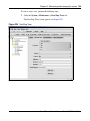
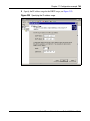
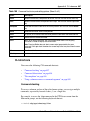
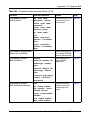
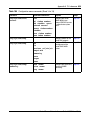
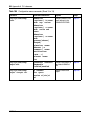
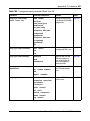
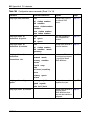
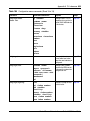
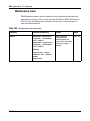
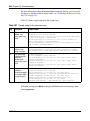
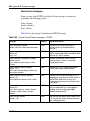
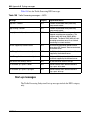
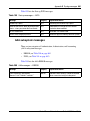
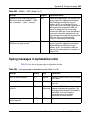
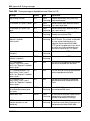
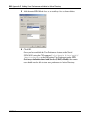
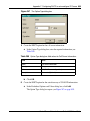
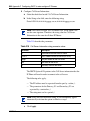
Enter the SNMP target information in the applicable fields. Table 133
describes the SNMP Target fields.
Table 133 SNMP Target fields
Field
Description
Index
Specifies a unique integer to identify this SNMP target on
the Nortel SNAS 4050.
This field cannot be modified after an SNMP Target is
added.
IP Address
Specifies the IP address of the SNMP manager, to which
trap messages are sent.
Port
Specifies the TCP port number used by the SNMP
manager.
The default value is port 162.
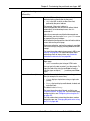
Version
Specifies the SNMP version used by the SNMP manager.
The options are:
• v1 — use SNMPv1
• v2c — use SNMPv2c
• v3 — use SNMPv3
The default value is v2c.
SNMPv3 User
Specifies the USM user name.
A list of all current SNMPv3 users is provided to choose
from. To leave the association empty, select the
<No selection> option.
This field is only available if the SNMP version selected is
SNMPv3.
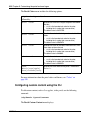
4
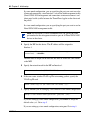
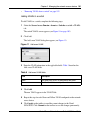
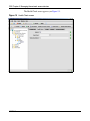
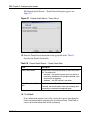
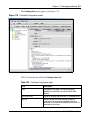
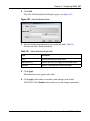
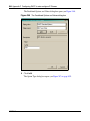
Click Apply.
The new target appears in the table.
5
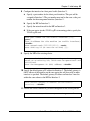
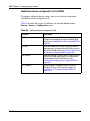
Click Apply on the toolbar to send the current changes to the Nortel
SNAS 4050. Click Commit on the toolbar to save the changes permanently.
Nortel Secure Network Access Switch 4050 User Guide