1
About your phone
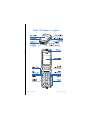
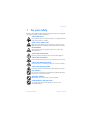
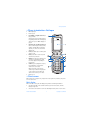
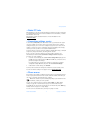
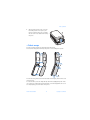
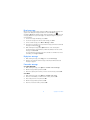
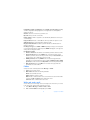
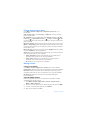
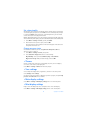
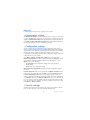
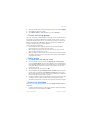
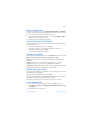
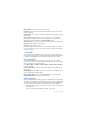
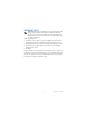
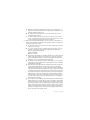
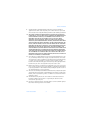
• Phone introduction—fold open
•
•
•
•
•
•
•
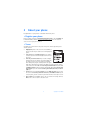
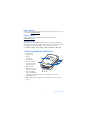
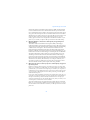
Main display (1)
Power key (2)
Left, middle, and right selection keys
(4), (3), and (5)
The function of these keys depends on
the guiding text shown on the display
above the keys. See “Main display” on
page 8.
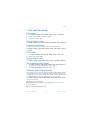
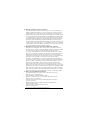
Up, down, left, and right scroll keys (6)
Use to scroll through contacts, menus,
settings, calendar dates, and feature
options, or to move the cursor when
writing text.
Call key (7) dials a phone number, and
answers a call.
End key (8) ends an active call, and
exits from any function.
Number keys (9) enter numbers and
characters; and # keys are used
for various purposes depending on
the function.
Volume keys (10) adjust the earpiece,
the loudspeaker, or the headset
volume (it is connected).
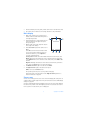
When the fold is closed, use the
volume keys to mute the ringing tone
of an incoming call, to switch the
alarm clock to snooze, or to mute.
Earpiece (11)
*
•
•
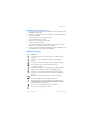
• Start screen
When the phone is ready for use, and you have not keyed in any characters, the phone
is in the start screen.
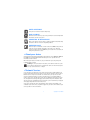
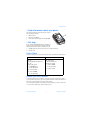
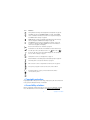
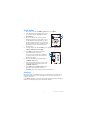
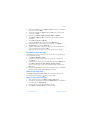
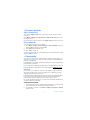
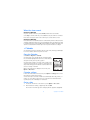
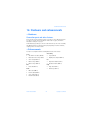
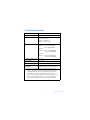
Mini display
When the fold is closed, the mini display may show the following information:
• The signal strength of the cellular network at your current location, and the
battery charge level
• The name of the network or a text note indicating that the phone is not in service
Nokia 7270 User Guide
7
Copyright © 2004 Nokia