1
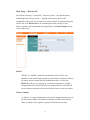
Basic Setup — Broadband Router
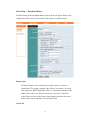
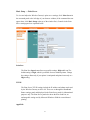
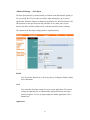
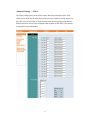
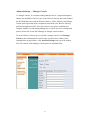
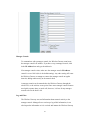
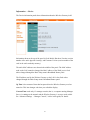
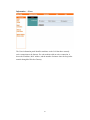
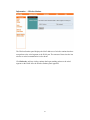
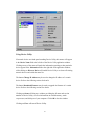
The Basic Setup menu's Broadband Router panel is the first to appear whenever the
configuration utility starts up. The controls in this panel are explained below.
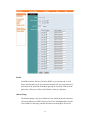
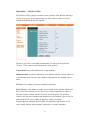
Router Name
The Router Name is a text string that some ISPs require as a means of
identification. The setting is ignored if the ISP does not require it. It is most
often required on DHCP-based links, where it is sometimes referred to as the
DHCP client's (that is, the Wireless Gateway's) “host name.” If the ISP
requires this item, click in the Router Name input box and enter the correct
name as shown in the materials received from the ISP.
Local LAN
13