1
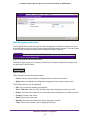
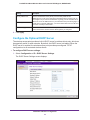
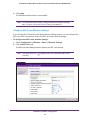
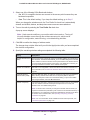
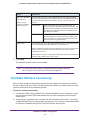
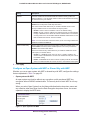
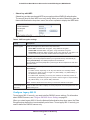
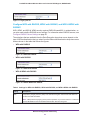
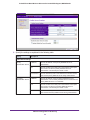
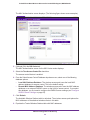
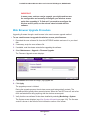
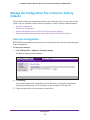
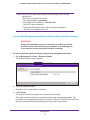
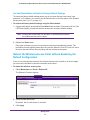
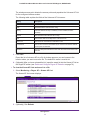
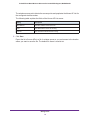
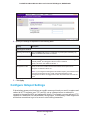
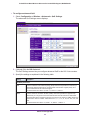
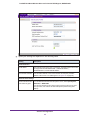
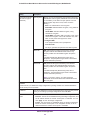
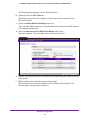
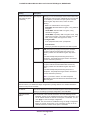
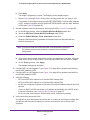
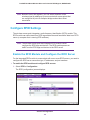
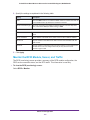
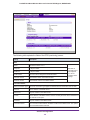
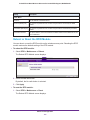
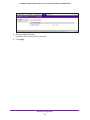
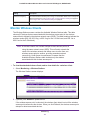
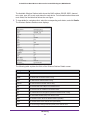
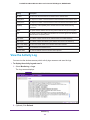
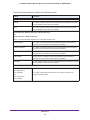
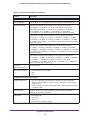
ProSAFE Dual Band Wireless-N Access Point with RFID Support, WNDAP380R Setting Description Channel / Frequency The channel that the wireless port is using. For information about how to change the channel and frequency, see Configure 802.11b/bg/ng Wireless Settings on page 25 and Configure 802.11a/na Wireless Settings on page 28. Rogue AP Detection Enabled indicates that rogue AP detection is enabled. Disabled indicates that it is not. Monitor Wireless Clients The Wireless Stations screen contains the Available Wireless Stations table. This table shows all IP devices that are associated with the wireless access point in the wireless network that is defined by the wireless network name (SSID). The table headings indicate the wireless modes (802.11b, 802.11bg, or 802.11ng for the 2.4-GHz band, and 802.11a or 802.11na for the 5-GHz band). Note: A wireless network can include multiple wireless access points, all using the same network name (SSID). This uniformity extends the reach of the wireless network and allows users to roam from one wireless access point to another, providing seamless network connectivity. Under these circumstances, be aware that the Available Wireless Stations table includes only the stations associated with this wireless access point. To view the attached wireless clients, and to view details for a wireless client: 1. Select Monitoring > Wireless Stations. The Wireless Stations screen displays: 2. (Optional) Click Refresh to update the list. If the wireless access point is rebooted, the wireless client data is lost until the wireless access point rediscovers the devices. When you click Refresh, the wireless access point attempt to detect associated devices. Monitoring 111