1
ProSAFE Wireless Controller WC7600
•
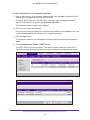
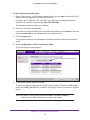
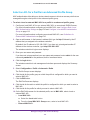
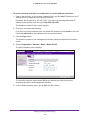
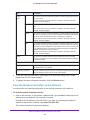
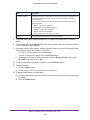
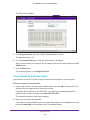
To move to the previous page, click the Previous button.
•
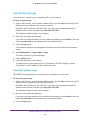
To change the number of entries onscreen, from the Entry Per Page menu, select
20, or 40, or 60, and so on, or All.
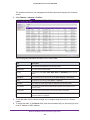
8. To display the latest information onscreen, click the Refresh button.
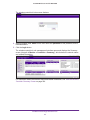
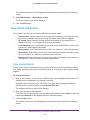
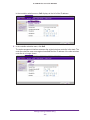
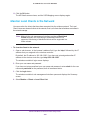
9. To export the table:
a. Click the Export button.
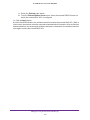
b. To save the file, follow the directions of your browser.
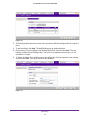
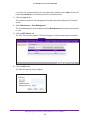
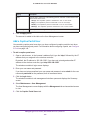
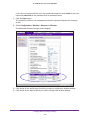
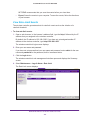
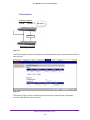
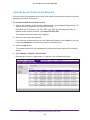
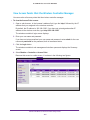
10. To display details about a client:
a. Select the radio button that corresponds to the clients for which you want to see the
details.
b. Click the Details button.
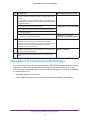
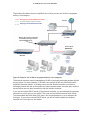
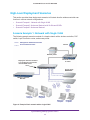
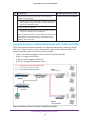
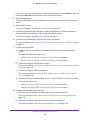
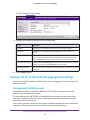
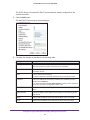
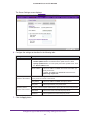
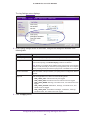
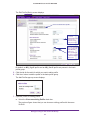
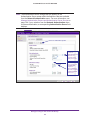
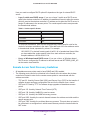
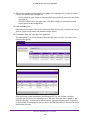
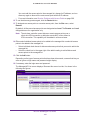
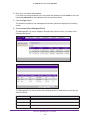
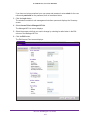
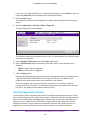
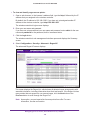
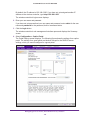
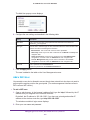
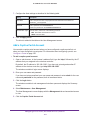
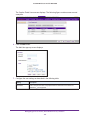
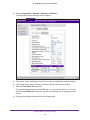
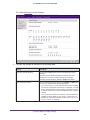
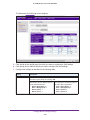
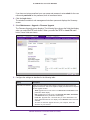
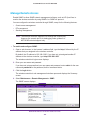
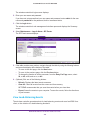
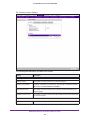
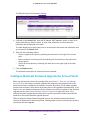
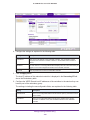
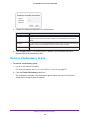
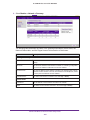
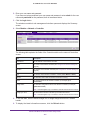
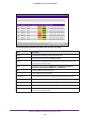
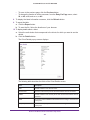
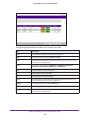
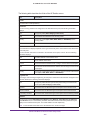
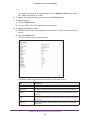
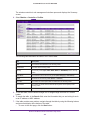
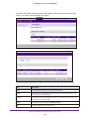
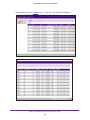
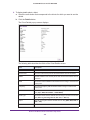
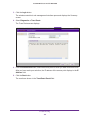
The Client Details pop-up screen displays:
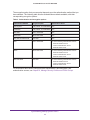
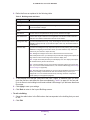
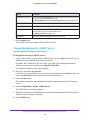
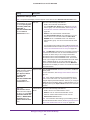
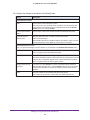
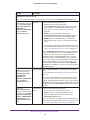
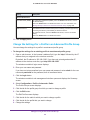
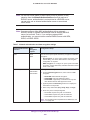
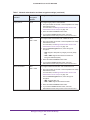
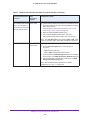
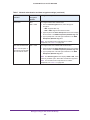
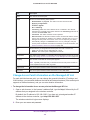
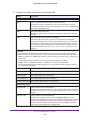
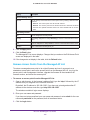
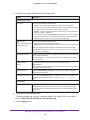
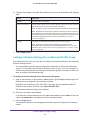
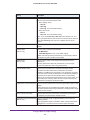
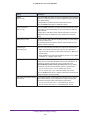
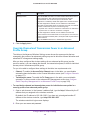
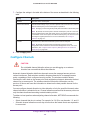
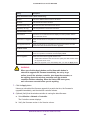
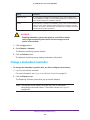
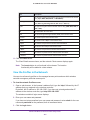
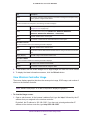
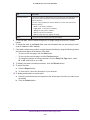
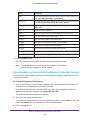
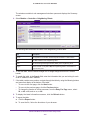
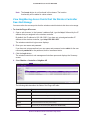
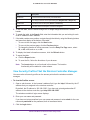
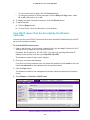
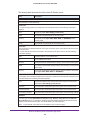
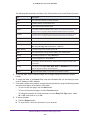
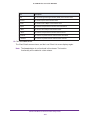
The following table describes the fields of the Client Details screen:
Item
Description
MAC
The MAC address of the wireless client.
Access Point
The name of the access point to which the wireless client is connected.
BSSID
The MAC address of the access point’s radio to which the wireless client is
connected.
SSID
The wireless network SSID that the wireless client is using to connect to the
access point.
Frequency
The channel frequency that the wireless client is using to connect to the
access point.
Monitor the Wireless Network and Its Components
261