1
3
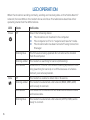
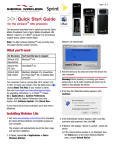
Once the software is installed, the modem searches for a network. When the modem
finds a network, the Connect button in the Connection Manager becomes available.
Click Connect to connect to your network.
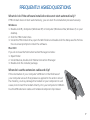
The first time you run the Connection Manager:
Mac OS X 10.4.11
1. After clicking Connect, open System Preferences and select Network.
2. When the “New Port Detected” message appears, click OK.
3. Click Apply Now. Your modem connects to the network.
Mac OS X 10.5
1. After clicking Connect, the message “A new network interface has been detected”
appears. Click the Network Preferences... button.
2. In the Network window, click Apply. Your modem connects to the network.
4
If you are prompted to configure a profile, click Yes. The Profiles window opens. From
the list of default profiles, select your service provider. If your service provider is not on
the list, contact them.
Click OK. The modem is ready to use.
3