1
Chapter 5 Normal Operation
55..44..44 D
Diissppllaayy LLiisstt ooff V
Voolluum
mee IInnffoorrm
maattiioonn
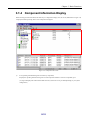
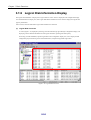
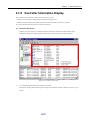
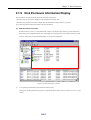
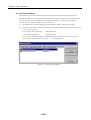
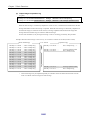
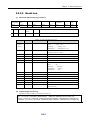
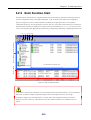
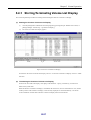
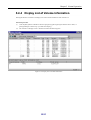
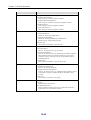
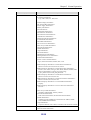
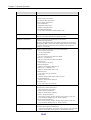
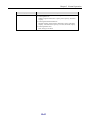
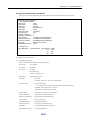
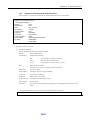
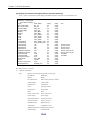
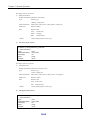
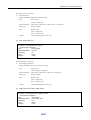
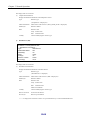
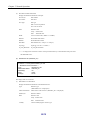
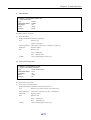
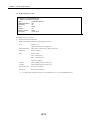
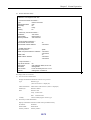
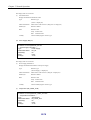
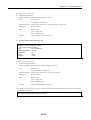
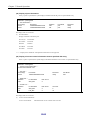
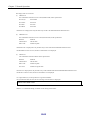
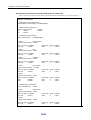
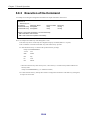
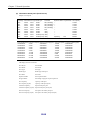
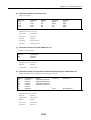
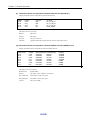
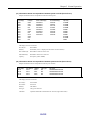
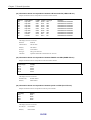
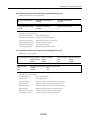
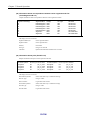
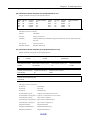
Starting the function of Volume List Display lists all the volume information of the Volume List.
Execution procedure
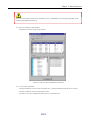
(i)
Click the [Start] button of Windows and select [Programs] ([All Programs] for Windows Server 2003) →
[Storage Manager Volume List] → [Volume List Display].
(ii)
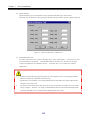
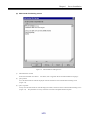
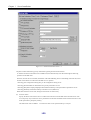
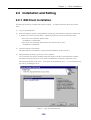
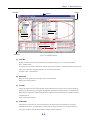
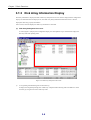
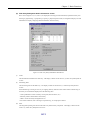
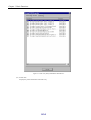
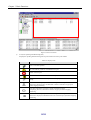
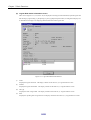
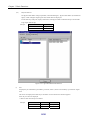
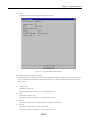
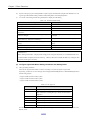
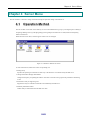
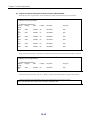
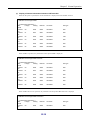
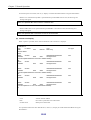
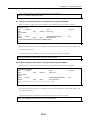
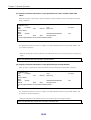
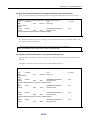
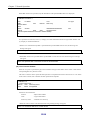
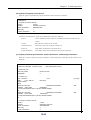
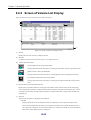
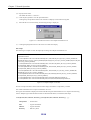
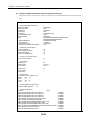
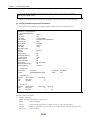
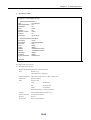
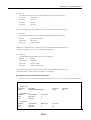
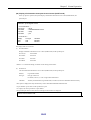
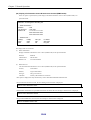
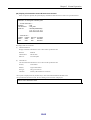
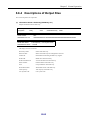
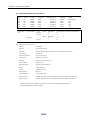
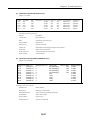
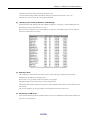
The Volume List Display screen is started and volume information appears.
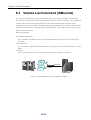
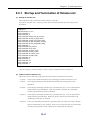
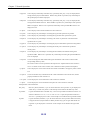
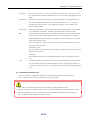
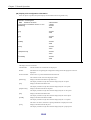
Figure 5-10 Display List of Volume Information
III-31