1
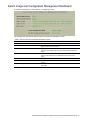
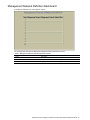
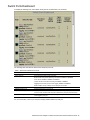
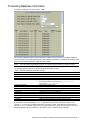
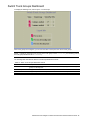
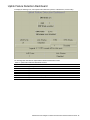
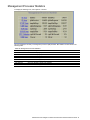
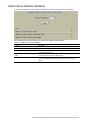
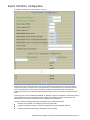
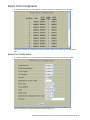
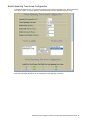
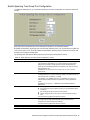
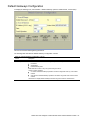
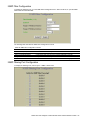
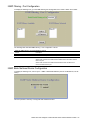
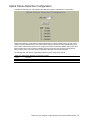
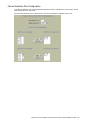
Switch Spanning Tree Group Port Configuration
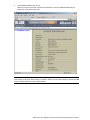
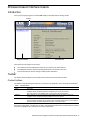
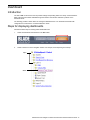
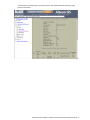
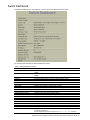
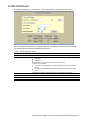
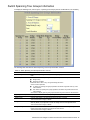
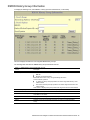
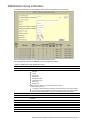
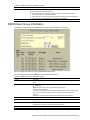
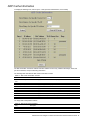
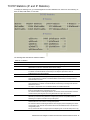
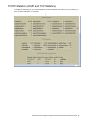
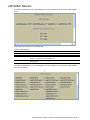
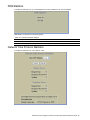
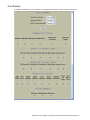
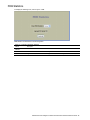
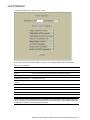
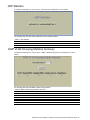
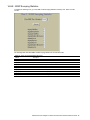
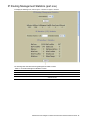
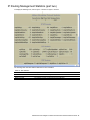
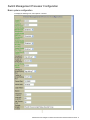
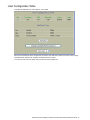
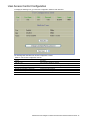
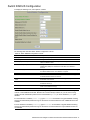
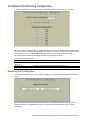
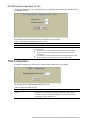
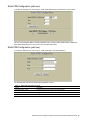
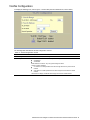
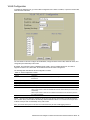
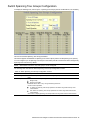
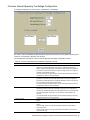
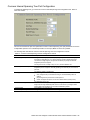
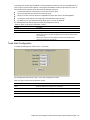
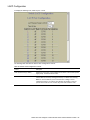
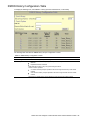
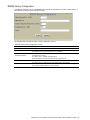
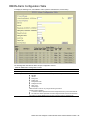
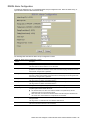
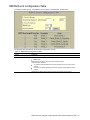
To display the following form, go to the Switch Spanning Tree Group Configuration form. Select a Switch Port
number.
Spanning Tree port parameters are used to modify STP operation on an individual port basis.
By default for STP/PVST+, Spanning Tree is turned Off for downlink ports (1-16), and turned On for uplink and
cross-connect ports (17-18, 20-24). By default for RSTP/MSTP, Spanning Tree is turned On for all ports, with
downlink ports configured as Edge ports.
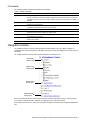
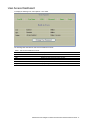
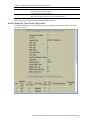
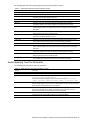
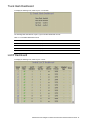
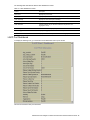
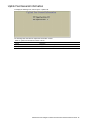
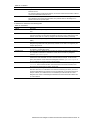
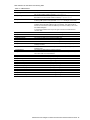
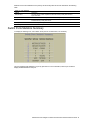
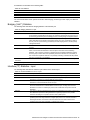
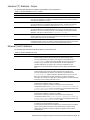
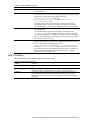
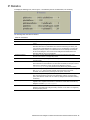
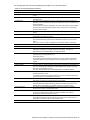
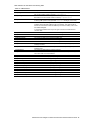
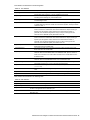
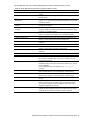
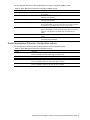
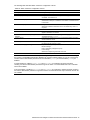
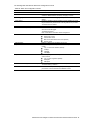
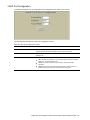
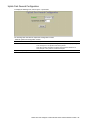
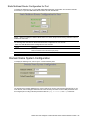
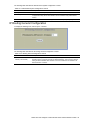
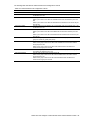
The following table describes the Switch Spanning Tree Group Port Configuration controls:
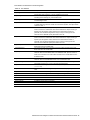
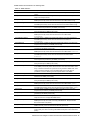
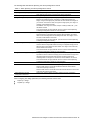
Table 78 Switch Spanning Tree Group Port Configuration controls
Control
Description
Port Priority
Configures the port priority. The port priority helps determine which bridge
port becomes the designated port. In a network topology that has multiple
bridge ports connected to a single segment, the port with the lowest port
priority becomes the designated port for the segment. The range is 0 to 255,
and the default is 128.
RSTP/MSTP: The range is 0 to 240, in steps of 16 (0, 16, 32...) and the
default is 128.
Configures the port path cost. The port path cost is used to help determine
the designated port for a segment. Generally speaking, the faster the port, the
lower the path cost. The range is 1 to 65535.
The default is 10 for 100Mbps ports, and 1 for Gigabit ports. A value of 0
indicates that the default cost will be computed for an auto-negotiated link
speed.
RSTP/MSTP: The range is 1 – 200000000, and the default it 20000 for
Gigabit ports.
Defines the type of link connected to the port, as follows:
auto: Configures the port to detect the link type, and automatically match
its settings.
p2p: Configures the port for Point-To-Point protocol.
shared: Configures the port to connect to a shared medium (usually a
hub).
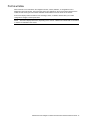
This command only applies when RSTP is turned on.
Enables or disables this port as an edge port. An edge port is not connected
to a bridge, and can begin forwarding traffic as soon as the link is up.
Configure server ports as edge ports (enabled).
This command only applies when RSTP is turned on.
Enables or disables Port Fast Forwarding on the port.
Enables or disables STP on the port.
Port Path Cost
Link Type
Edge Port
Port Fast Forwarding mode
Port Spanning Tree State
N8406-022A 1Gb Intelligent L2 Switch Browser-based Interface Reference Guide 96