1
NEC ESMPRO Manager Ver.5 Installation Guide (Linux)
3.3
NEC ESMPRO Manager Un-installation for Linux
3.3.1
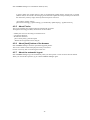
Uninstall the NEC ESMPRO Manager
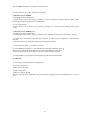
In below input examples, the installer file name is shown like “esmpro-5.h”.
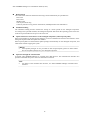
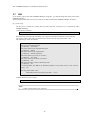
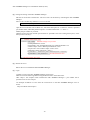
(1) Start the NEC ESMPRO Manager installer.
./esmpro-5.sh
(2) The terms of the end user license agreement for the product will be displayed. Input “yes” and “Enter”
key.
(3) A message to confirm whether you continue the installation is displayed. Input “delete “ and “Enter”
key.
(4) A message to confirm whether you delete the directory where update packages are stored is displayed. If
you want to delete it, input “yes” and “Enter” key.
When the un-installation is completed, the following message is displayed:
“Uninstallation of NEC ESMPRO Manager is now completed.”
25