1
Keep this User's Guide handy for quick reference when necessary.
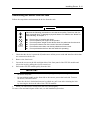
Safety Indications
To use NEC Express5800/320Fc system safely, follow the instructions in this User's Guide.
This guide explains components that pose a danger, types of dangers caused by failing to follow the
instructions, and actions taken to prevent them; such components are labeled warning.
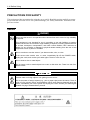
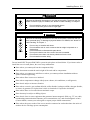
This guide and warning labels use “WARNING” and “CAUTION” to indicate a danger depending on
the degree. These terms are defined as follows:
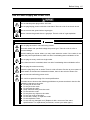
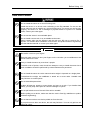
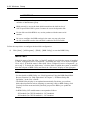
WARNI
Indicates a danger that could lead to a death or serious injury.
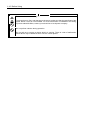
CAUTION
Indicates a danger that could lead to a burn, other injuries or damage to
physical assets.
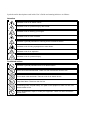
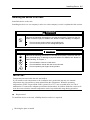
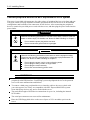
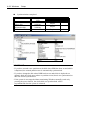
This guide uses the following three types of symbols to give indications and precautions against a
danger. They are defined as follows:
Indicates that there is a risk of a danger. Each image symbolizes a particular type of
danger. (Attention)
Indicates what you must not do. Each image symbolizes a particular type of
prohibition. (Prohibited actions)
Indicates what you must do. Each image symbolizes a particular type of action
necessary to avoid a danger. (Mandatory actions)
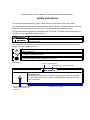
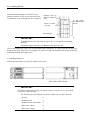
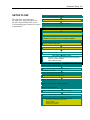
(Example)
Symbol to draw attention
Term indicating a degree of danger
High temperature.
Immediately after the power-off, system components such as hard disk are
very hot. Wait the server to cool down completely before adding/removing
some component.
Symbol indicating a prohibited
action (may not always be
indicated)
Description of a danger