1
MultiVOIP User Guide
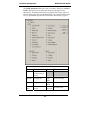
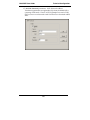
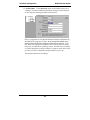
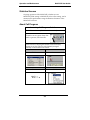
E1 PhoneBook Configuration
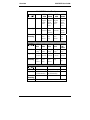
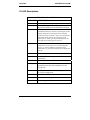
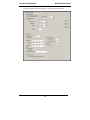
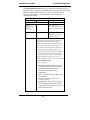
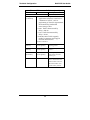
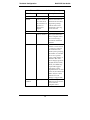
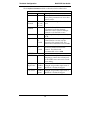
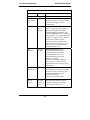
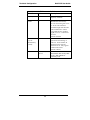
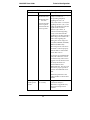
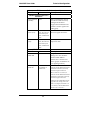
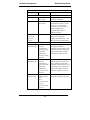
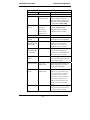
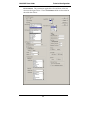
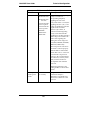
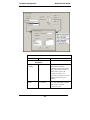
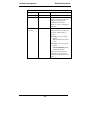
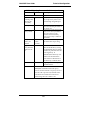
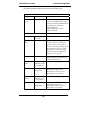
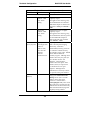
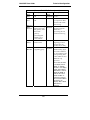
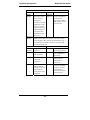
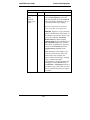
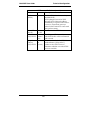
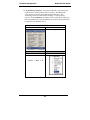
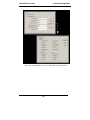
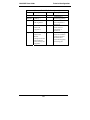
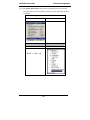
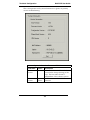
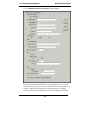
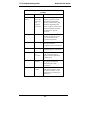
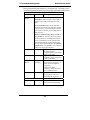
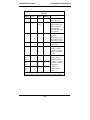
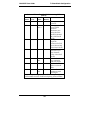
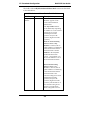
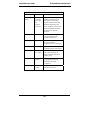
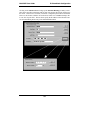
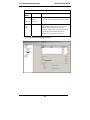
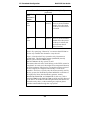
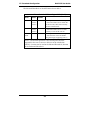
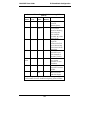
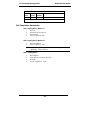
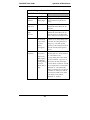
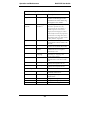
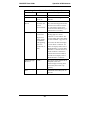
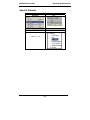
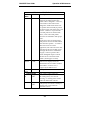
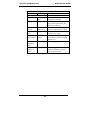
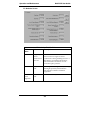
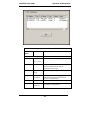
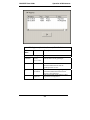
Add/Edit Inbound Phone Book: Field Definitions
(cont’d)
Field Name
Values
Description
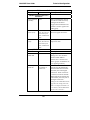
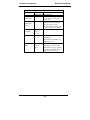
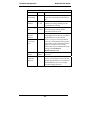
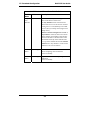
Channel
Number
1-30, or
“Hunting”
Description
--
E1 channel number to which
the call will be assigned as it
enters the local telephony
equipment
(often a local PBX).
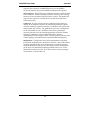
“Hunting” directs the call to
any available channel.
Describes the facility or
geographical location at
which the call originated.
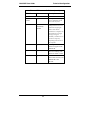
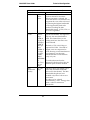
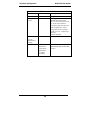
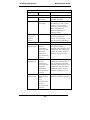
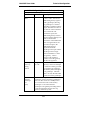
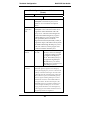
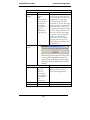
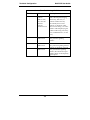
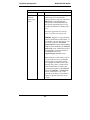
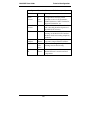
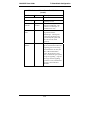
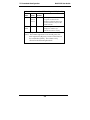
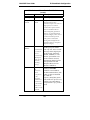
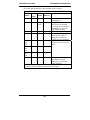
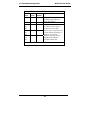
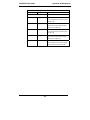
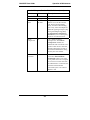
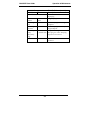
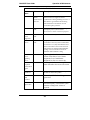
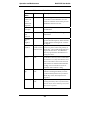
Call Forward Parameters
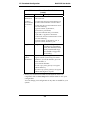
Enable
Y/N
Click the check-box to enable
the call-forwarding feature.
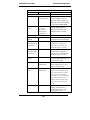
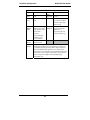
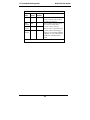
Forward
Condition
Uncondit.;
Busy
No Resp.
Unconditional. When selected,
all calls received will be
forwarded.
Busy. When selected, calls
will be forwarded when
station is busy.
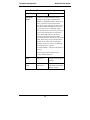
No Response. When selected,
calls will be forwarded if
called party does not answer
after a specified number of
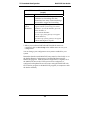
rings, as specified in Ring
Count field.
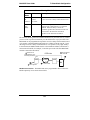
Forwarding can be
conditioned on both “Busy”
and “No Response.”
229