1
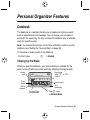
Viewing by the Day
Select a day in the week view and press VIEW (+) to see the day’s
events. You can store, edit, view, copy, and delete any event from the day
view.
Viewing by the Event
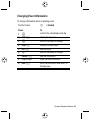
Select an event in the day view and press VIEW (+) to open the detailed
event view. You can edit, copy, and delete events from the event view.
Storing a New Event
A title is required for a datebook event. All other information is optional.
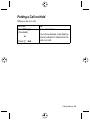
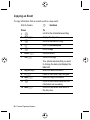
Find the Feature
M
M
> Datebook > day
> New
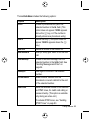
Enter the event title, start time, duration, date, repeating events, and
reminder.
92 - Personal Organizer Features