1
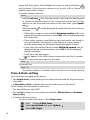
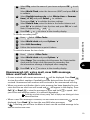
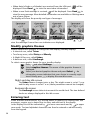
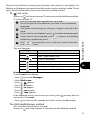
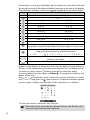
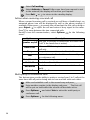
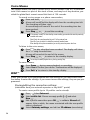
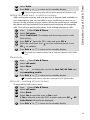
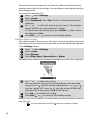
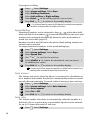
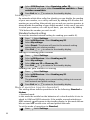
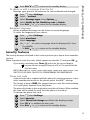
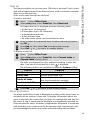
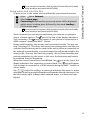
When the alarm time is reached an audible alert sounds for up to 1 minute
and the LED will flash red. Alarm clock and a vibrating bell symbol will
appear in the display together with the current time and the softkeys,
Valid.
and No ring
.
If the phone is off at the time of the alarm, the phone will automatically
'power on' and operate the audible and visual alerts described above.
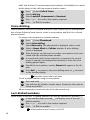
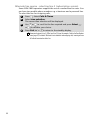
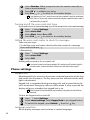
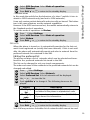
To use as a Reminder or Snooze Alarm,
Press No ring , or any other key (except Valid. ) to stop the alarm.
The alarm icons remain in the display and the alarm will ring again
3 minutes later.
or
Press Valid.
to acknowledge and switch off the alarm.
If 'off' before the time of the alarm the phone remains 'on'. If the phone is
locked or the PIN setting is on it remains in this locked condition until operated by you.
If the alarm is acknowledged but not validated the alarm indicators will
remain in the display for up to 15 minutes after which time the phone will
either turn off, or, if 'on' at the time of the alarm, will revert back to the
normal standby display.
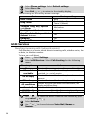
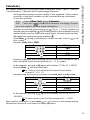
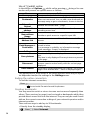
4 1. Until acknowledged the alarm will ring for 1 minute. Pressing any key (other than the Valid
softkey) will stop the alarm sounding but not switch off the alarm, it will be repeated 3 minutes
later. If the Valid softkey is not pressed after the 3rd (and final) time the alarm rings it will not
be repeated but the phone remains on, in the alarm display mode, for up to 15 minutes after
which it will revert back to the state it was in before the alarm time was reached.
2. If the phone is in a transitory state (during power off for example) at the time of an alarm it
will be delayed until after the transitory state has finished.
3. If the alarm time is reached during a call a special Call in process alert beep will sound and
visual alerts will appear every 3 minutes. The alarm can be validated in the normal way.
4. If the alarm time is reached during an outgoing, or incoming call setup sequence, the alarm is
suspended until the call is established and the mobile behaves as in 3 above.
5. If the battery is detached within 15 minutes of the alarm time the alarm will sound immediately. If later than 15 minutes only the visual indicators will be shown. Press the Valid softkey to
validate and stop the alarm.
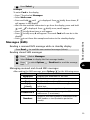
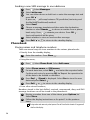
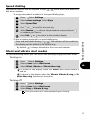
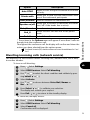
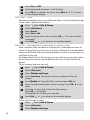
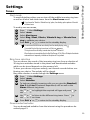
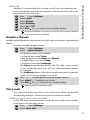
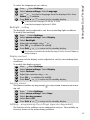
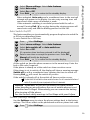
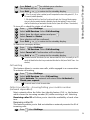
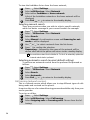
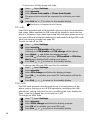
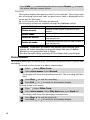
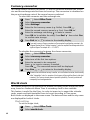
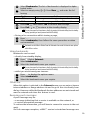
To turn off the alarm,
1
2
3
4
Press
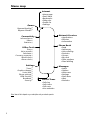
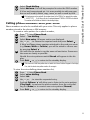
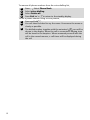
. Select Office Tools.
Select Alarm clock.
Select Off. Confirmation will be displayed.
Press Exit
or
to return to the standby display.
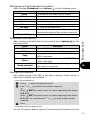
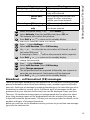
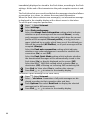
Caution - Remember to turn off the alarm feature when boarding an
aircraft where the use of a mobile phone is not permitted and is illegal.
Alternatively you can remove the battery after turning off the phone.
See the General safety warnings in First steps with your Eclipse.
50