1
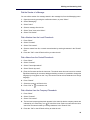
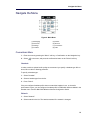
Navigate the Menu
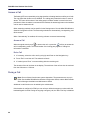
Alarm Settings
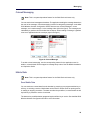
Tip: Tip: It is recommended to configure a short cut to this menu if it is frequently used;
see Short cuts Menu on page 57.
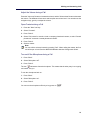
Edit Alarm Data
Information (for example a handset’s location) can be sent along with an alarm. It is
recommended to create a shortcut for quick access to the "Edit alarm data" menu; see Short
cuts Menu on page 57.
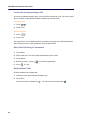
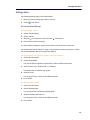
1. Enter the menu by pressing “Menu“.
2. Select
in the menu.
3. Select “Alarm“.
4. Select “Edit alarm data“.
5. Enter alarm data.
6. Press “Save“.
75