1
Image addresses
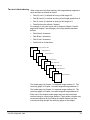
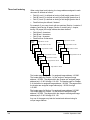
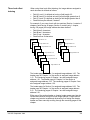
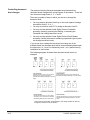
An image address is assigned to every document scanned. An image
address is composed of four fields, each representing a different
document level. An image address has a maximum length of 15
characters; 12 alphanumerics (field A, field B, and field C must be
numeric; the fixed field may contain alphanumerics) and 3 delimiters
(inserted between fields).
The image address (number of fields and characters) is based on the
indexing scheme chosen (refer to the section entitled “Indexing
schemes” later in this appendix).
For each mode, regardless of the indexing scheme used, the following
four fields must be defined during installation:
•
•
•
•
Field A. A numeric field representing document Level 1. Its value is
incremented whenever a document is assigned Level 1.
Field B. A numeric field representing document Level 2. Its value is
incremented whenever a document is assigned Level 2.
Field C. A numeric field representing document Level 3. Its value is
incremented whenever a document is assigned Level 3.
Fixed field. An alphanumeric field containing fixed information;
typically, the date.
An example of an image address is:
1201.01.020.005
where:
•
•
•
•
Assigning an image
address
Field A (Level 1) contains 005
Field B (Level 2) contains 020
Field C (Level 3) contains 01
Fixed field contains 1201
An image address may be assigned or changed by pressing the Next
key or by entering function code F97. The Next key (or function code
F97) is used when setting/changing any or all of the image address
fields. Function code F92 is used when setting/changing only the fixed
field of the image address.
Using the Next key
Press Next (or enter function code F97) to set or change an image
address function code.
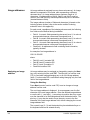
The next image address is displayed. A cursor appears over the first
character of the next image address. Enter the desired image address
or use the left (←) and right (→) arrow keys to position the entry cursor
over the character to be set/changed and enter the desired value. The
plus key (+) may also be used to move the entry cursor to the first
character in the next image address field, without changing the current
image address field.
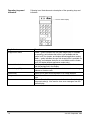
The numeric keys (0 - 9) and the decimal key have dedicated keys on
the keyboard and can be entered directly.
A-2
A-61070 September 1999