1
Chapter 3 — Configuring the CN30
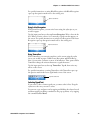
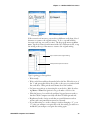
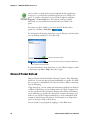
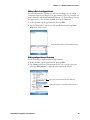
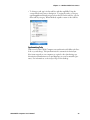
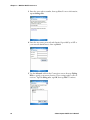
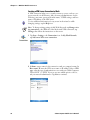
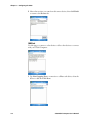
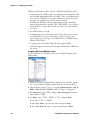
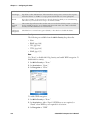
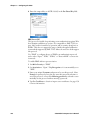
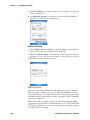
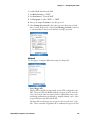
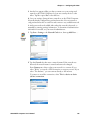
3 Type the address of your device in the field, then click OK. Tap Cancel
to return to the first screen without making changes.
When you set your printer manually, your device does not receive the
printer name. Therefore, “-unknown-” is displayed under Device Name
unless you enter the correct value in to the registry in some other way.
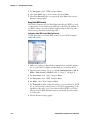
To choose from previously discovered printers, do the following to select
from a list of previously discovered printers:
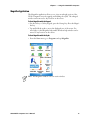
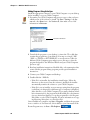
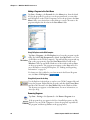
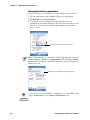
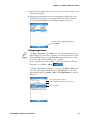
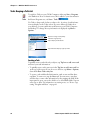
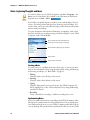
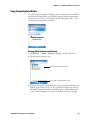
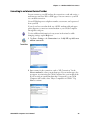
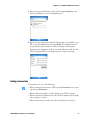
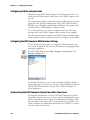
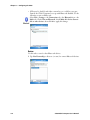
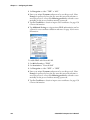
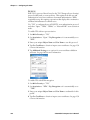
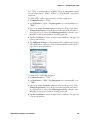
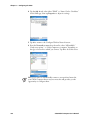
1 Select Start > Settings > the System tab > the Wireless Printing icon.
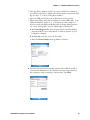
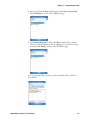
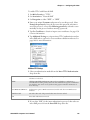
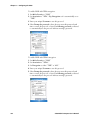
2 Select Device Manager, then tap Acquire Printer to go to the list of previously discovered printers.
120
CN30 Mobile Computer User’s Manual