1
Chapter 3 — Configuring the CN30
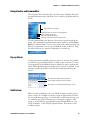
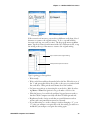
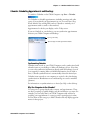
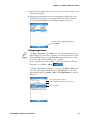
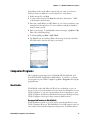
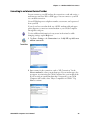
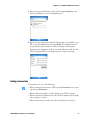
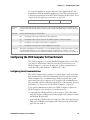
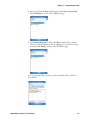
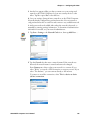
If you want to rename these connections to descriptions more suitable for
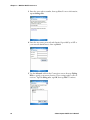
your situation, press the stylus on each SF51 Scanner connection for a popup menu, then select Rename. Enter the new description, then tap ok to
save your entry.
When the SF51 Scanner is connected, configuration changes take effect
immediately. When the SF51 Scanner is not connected, configuration
changes take effect once the SF51 Scanner is reconnected.
Configuring Security
Use the next sections to understand how to configure each type of security
on your wireless CN30 Computer. If you choose not to use security, see
“Using Configuration Parameters” on page 159 for help.
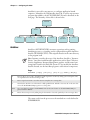
The CN30 Computer provides three types of security for your wireless network: Wi-Fi Protected Access (WPA), 802.1x, and WEP.
If you are using 802.1x security, this sections also assumes that your authentication server and access points are properly configured.
You must use either Microsoft or Funk security to implement your security
solution. For details, see “Choosing Between Microsoft and Funk Security”
on page 131.
Loading Certificates
If you choose to use Transport Layer Security (TLS) with WPA or 802.1x
security, you need to have a unique client certificate on the CN30 Computer and a trusted root certificate authority (CA) certificate. If you choose
to use PEAP, you need to load a root CA certificate. You can use a thirdparty CA to issue unique client certificates and a root certificate.
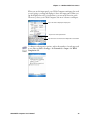
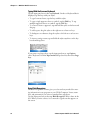
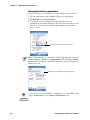
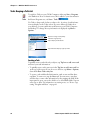
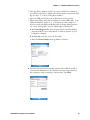
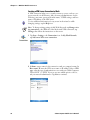
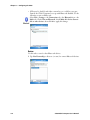
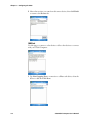
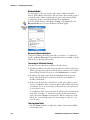
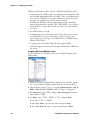
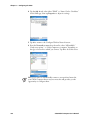
If your CA is on your WLAN, select Start > Settings > the System tab > the
Certificates icon to view certificate details. To remove a certificate, press
and hold a certificate, then select Delete.
CN30 Mobile Computer User’s Manual
129