1
Microsoft Pocket Outlook
3
Using Tasks
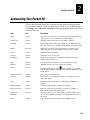
Use Tasks to keep track of what you have to do. In the task list, overdue tasks are
displayed in bold.
Keep your Tasks current by synchronizing your Pocket PC with Microsoft Outlook on
your desktop computer. For help, see the ActiveSync online help on your desktop
computer.
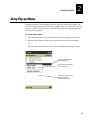
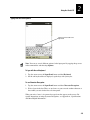
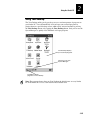
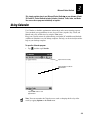
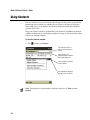
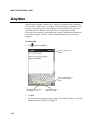
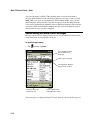
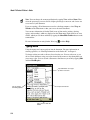
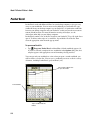
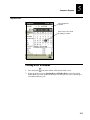
To open the Tasks program
•
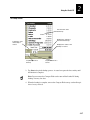
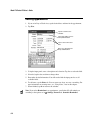
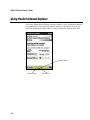
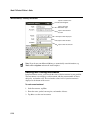
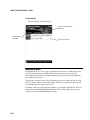
Indicates high
priority
Tap
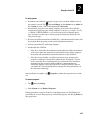
, and then tap Tasks.
Tap a heading to select
the sort order of the list
Tap to display or edit the
task details
Tap and hold to display a
pop-up menu of actions
Note: To change the way information is displayed in the list, tap Tools and then
Options.
3-9