1
Note: The FAX Profile requires a Bluetooth COM port. By default, the profile is
associated with Bluetooth COM port 7. For more information, see “Bluetooth COM ports” on page 2-30.
Setting up Bluetooth networks
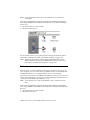
During the installation of the Bluetooth Software Suite, the Network Manager
Wizard created two network profiles on your computer: one saving your current
network settings and one to be used for Bluetooth piconet networking.
This feature is included in the Bluetooth Software Suite because of a limitation in
the Windows operating system that affects users who use their computer in more
than one network.
With the Bluetooth Network Manager Wizard, you can network profiles that
memorize your networking setups and allow you to restore them whenever you
need to change from one network to another. Switching between two setups is
reduced to choosing a network profile from a menu.
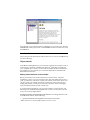
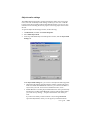
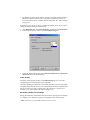
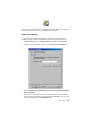
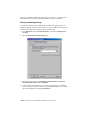
If after the installation of the Bluetooth Software Suite you want to change the settings made by the Bluetooth Network Manager Wizard, you can do so from the
Bluetooth Network Manager.
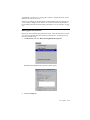
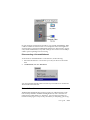
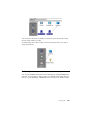
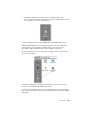
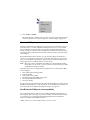
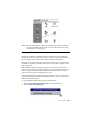
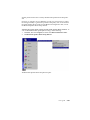
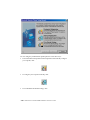
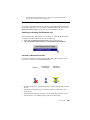
To open the Bluetooth Network Manager, do the following:
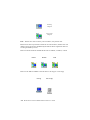
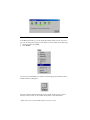
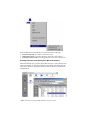
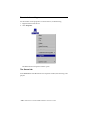
1. Right-click the Bluetooth Control Center icon in the System Tray.
2. Select Launch Network Manager.
User’s guide
2-37