1
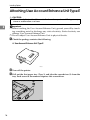
Attaching Printer Hard Disk Drive Type 8100
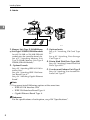
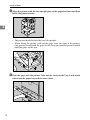
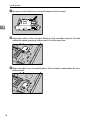
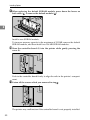
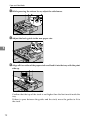
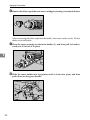
G Remove the default or optional SDRAM module before installing the hard
disk drive. Press down the levers on both sides (1) to remove the SDRAM
module (2).
2
AQV763S
Be sure not to leave any SDRAM module in the slots. Doing so may damage
SDRAM modules when installing the hard disk drive.
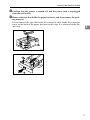
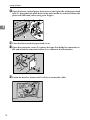
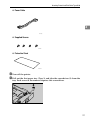
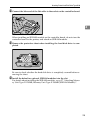
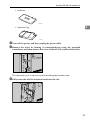
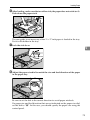
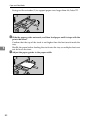
H Place the protective sheet on the controller board as shown, to protect the
controller board.
AQV736S
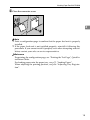
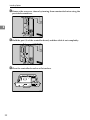
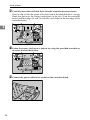
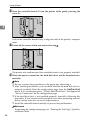
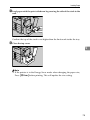
I Connect the flat cable (1) and power cable (2) to the hard disk drive.
1
2
AQV519S
23
















































![quindi fare clic su [OK]. - Firmware Center](http://vs1.manualzilla.com/store/data/006146493_1-a65fa0368bddccb764b2c8ac1eae6499-150x150.png)