1
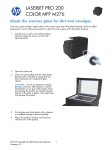
Scan by using the HP Scan software (Windows)
1.
Double-click the HP Scan icon on the computer desktop.
2.
Select a scanning shortcut, and adjust the settings if necessary.
3.
Click Scan.
NOTE: Click Advanced Settings to gain access to more options.
Click Create New Shortcut to create a customized set of settings and save it in the list of shortcuts.
ENWW
Scan by using the HP Scan software (Windows)
3