1
Front bezel
This section describes how to remove and install the front bezel.
Removing the front bezel
1.
Disconnect power from the workstation (see Predisassembly procedures on page 73).
2.
Remove the side access panel (see Removing the side access panel on page 75).
3.
Remove the right side panel (see Removing the right side panel on page 80).
4.
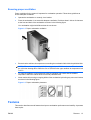
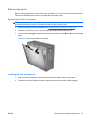
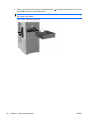
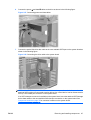
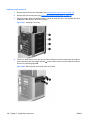
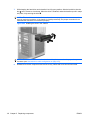
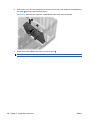
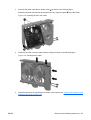
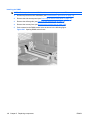
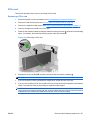
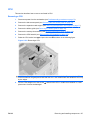
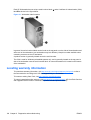
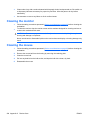
Remove the four T-15 Torx screws
the following figure 2.
, and then remove the bezel from the chassis as shown in
Figure 5-15 Removing the front bezel
Installing the front bezel
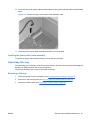
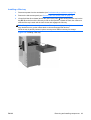
To install the front bezel, position the bezel on the chassis and install the screws.
ENWW
Removing and installing components
85