1
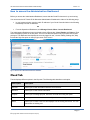
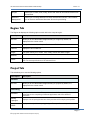
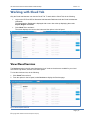
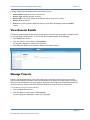
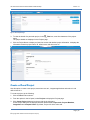
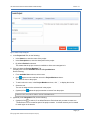
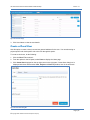
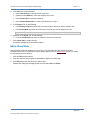
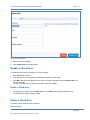
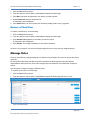
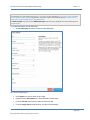
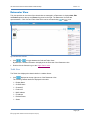
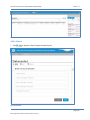
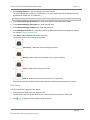
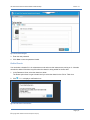
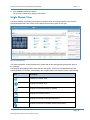
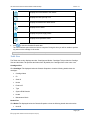
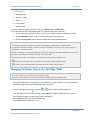
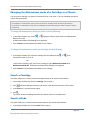
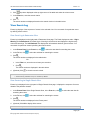
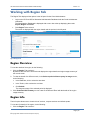
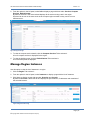
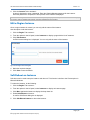
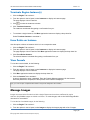
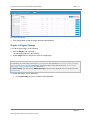
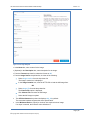
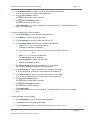
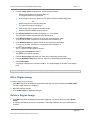
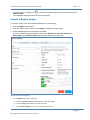
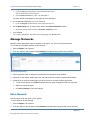
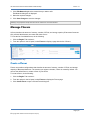
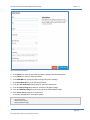
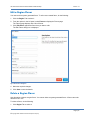
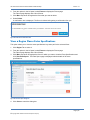
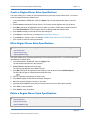
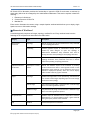
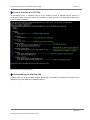
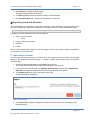
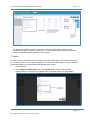
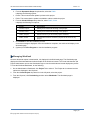
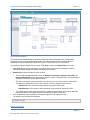
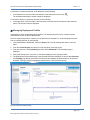
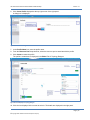
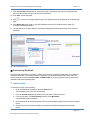
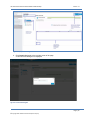
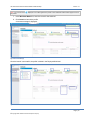
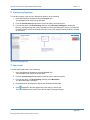
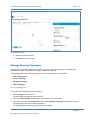
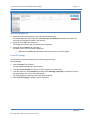
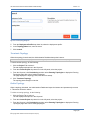
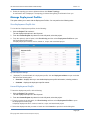
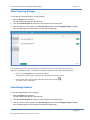
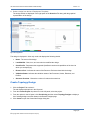
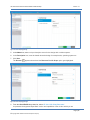
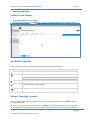
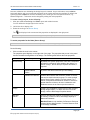
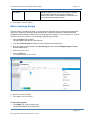
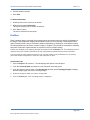
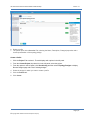
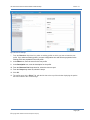
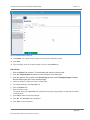
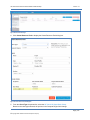
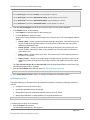
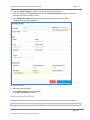
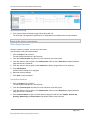
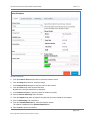
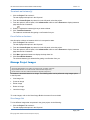
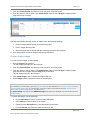
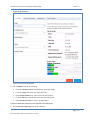
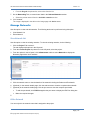
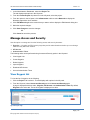
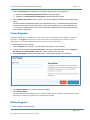
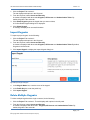
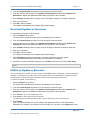
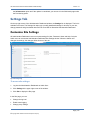
HP Cloud OS for Moonshot Administration Dashboard Help Version 1.0 The page displays the following details for each of the services: Service Name: Displays the name of the service. Service Type: Displays the type of service. Service URL: This column shows the IP address where the service is running. Status: Whether enabled. Actions: If a service supports Rest APIs, option to open Rest API displays under the Actions column. View Domain Details The Domain option displays all the domain related details. Currently, only one domain is visible because we are supporting a single domain. To view all the domain related details, do the following: 1. Click Cloud Tab to select it 2. From the options in the left panel, select Domains. The domain is displayed in a table in the right pane. 3. Click Default to display a screen with the details of the Default domain. Figure 4: Domains Page Manage Projects Project is a grouping that allows users within each group to view and use the same set of resources. Projects protect topology templates, resources and infrastructure design from being visible to all users. Only the Cloud Administrator can create projects. Using the Projects option the Cloud Administrator can create new projects, assign users to the projects and define the compute limits for each project. To view the list of projects, do the following: 1. Click the Cloud Tab to select it. 2. From the options in the left panel, select Projects. The list of projects is displayed in a table in the right pane. Page | 15 © Copyright 2014 Hewlett-Packard Development Company