1
462939-001.book Page iii Thursday, March 20, 2008 9:03 AM
Contents
Basic setup
Unpack the box . . . . . . . . . . . . . . . . . . . . . . . . . . . . . . . . . . . . . . . . .
Insert the battery . . . . . . . . . . . . . . . . . . . . . . . . . . . . . . . . . . . . . . . .
Connect the computer to external power. . . . . . . . . . . . . . . . . . . . . .
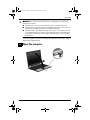
Open the computer . . . . . . . . . . . . . . . . . . . . . . . . . . . . . . . . . . . . . .
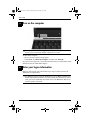
Turn on the computer . . . . . . . . . . . . . . . . . . . . . . . . . . . . . . . . . . . .
Enter your logon information . . . . . . . . . . . . . . . . . . . . . . . . . . . . . .
Connect to a computer network . . . . . . . . . . . . . . . . . . . . . . . . . . . .
Begin managing your network (network administrators only) . . . . .
1
2
2
3
4
4
6
6
Quick tour
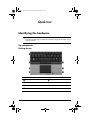
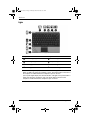
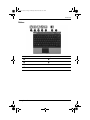
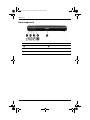
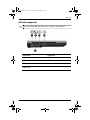
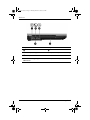
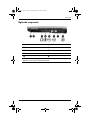
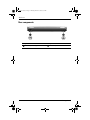
Identifying the hardware . . . . . . . . . . . . . . . . . . . . . . . . . . . . . . . . . . 7
Troubleshooting
Quick troubleshooting . . . . . . . . . . . . . . . . . . . . . . . . . . . . . . . . . . . 17
Product information
Safe operation . . . . . . . . . . . . . . . . . . . . . . . . . . . . . . . . . . . . . . . . .
Important display information. . . . . . . . . . . . . . . . . . . . . . . . . . . . .
Regulatory, safety, and environmental notices . . . . . . . . . . . . . . . .
Operating environment . . . . . . . . . . . . . . . . . . . . . . . . . . . . . . . . . .
Rated input power . . . . . . . . . . . . . . . . . . . . . . . . . . . . . . . . . . . . . .
Getting Started
21
21
22
53
53
iii