1
Additional Features
Flight
Instruments
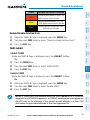
View Charts from the Active Flight Plan Page
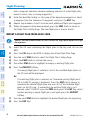
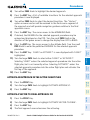
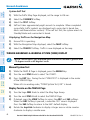
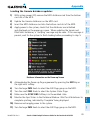
1) While viewing the Active Flight Plan Page, press the FMS Knob to activate
the cursor.
EIS
2) Turn the large FMS Knob to select the departure airport, destination
airport, departure, arrival, or approach.
Nav/Com/
XPDR/Audio
3) Press the SHW CHRT Softkey. The appropriate chart is displayed, if
available for the item selected.
4) Press the GO BACK Softkey to return to the previous page.
AFCS
Change Day/Night View
GPS Nav
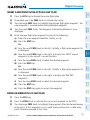
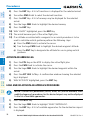
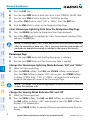
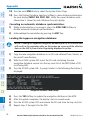
1) While viewing a chart press the MENU Key to display the Page Menu
OPTIONS.
Flight
Planning
2) Turn the large FMS Knob to highlight the ‘Chart Setup’ Menu Option and
press the ENT Key.
3) Turn the large FMS Knob to move between the ‘FULL SCREEN’ and ‘COLOR
SCHEME’ Options.
Procedures
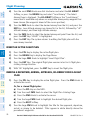
4) Turn the small FMS Knob to choose between the ‘On’ and ‘Off’ Full Screen
Options.
Hazard
Avoidance
5) Turn the small FMS Knob to choose between ‘Day’, ‘Auto’, and ‘Night’
Options.
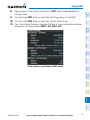
7) Press the FMS Knob when finished to remove the Chart Setup Menu.
AOPA Airport Directory
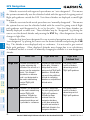
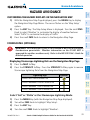
AOPA Airport Directory adds enhanced airport information when viewing airports
on the WPT-Airport Information Page.
This database is updated four times per year. Check fly.garmin.com for the current
database.
View Airport Directory Information
Index
Appendix
Annun/
Alerts
Abnormal
Operation
Additional
Features
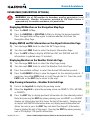
6) In Auto Mode, turn the large FMS Knob to select the percentage field and
change percentage with the small FMS Knob. The percentage of change is
the day/night crossover point based on backlighting intensity.
50
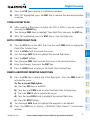
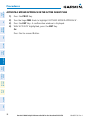
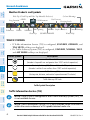
While viewing the WPT-Airport Information Page, if necessary, press the
INFO-1 Softkey to change the softkey label to display INFO-2. AOPA
airport information is displayed on the right half of the display.
Garmin G1000 Cockpit Reference Guide for the Beechcraft A36/G36
190-00525-03 Rev. A