1
SECTION 10 – HAZARD
AVOIDANCE
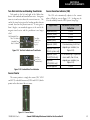
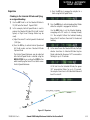
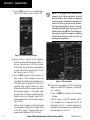
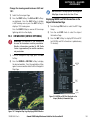
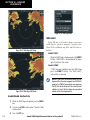
Change the viewing mode between 360˚ and
120˚:
1) Select the Stormscope Page.
2) Press the VIEW Softkey. The 360 and ARC Softkeys
are displayed. Press the 360 Softkey to display
a 360˚ viewing area or press the ARC Softkey to
display a 120˚ viewing area.
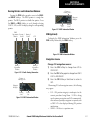
Press the CLEAR Softkey to remove all Stormscope
lightning data from the display.
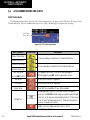
10.3 XM WEATHER (SERVICE OPTIONAL)
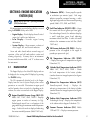
WARNING: XM Weather is not intended to
be used for hazardous weather penetration.
Weather information provided by XM Radio
Service is approved only for weather avoidance,
not penetration.
NOTE: Weather is not displayed on the Navigation
Map Page at zoom levels less than 10 nm.
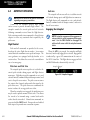
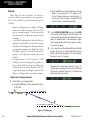
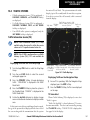
Displaying METAR and TAF information on the
Airport Information Page
1) Turn the large FMS Knob to select the WPT Page
Group.
2) Turn the small FMS Knob to select the Airport
Information Page.
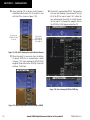
3) Press the WX Softkey to display METAR and TAF
text (METAR and TAF information is updated every
12 minutes).
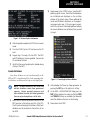
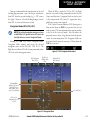
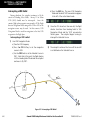
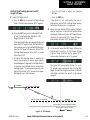
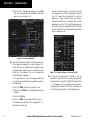
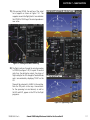
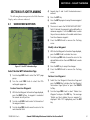
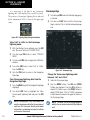
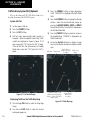
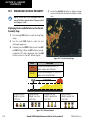
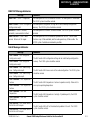
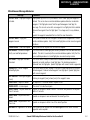
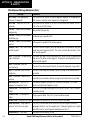
1) From the Navigation Map Page, press the MAP
Softkey.
2) Press the NEXRAD or XM LTNG Softkey to display
the desired weather. Press the applicable softkey
again to remove weather data from the Navigation
Map Page.
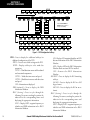
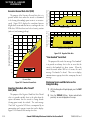
METAR
Text
TAF
Text
WX
Softkey
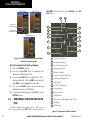
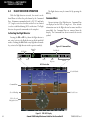
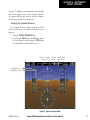
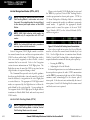
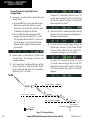
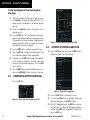
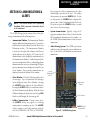
Figure 10-8 METAR and TAF Text Displayed on the
Airport (Weather) Information Page
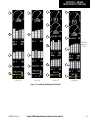
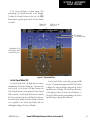
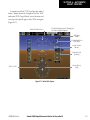
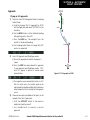
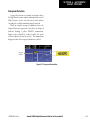
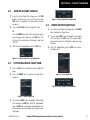
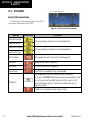
Figure 10-7 Navigation Map Page Displaying NEXRAD Weather
190-00384-08 Rev. A
Garmin G1000 Cockpit Reference Guide for the Cessna Nav III
10-3