1
HAZARD AVOIDANCE
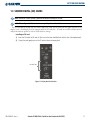
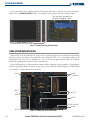
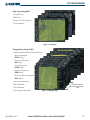
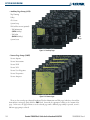
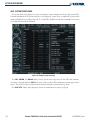
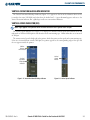
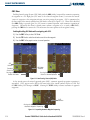
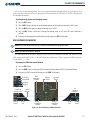
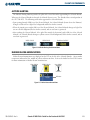
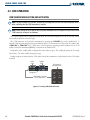
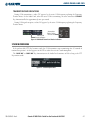
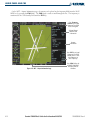
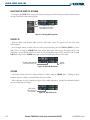
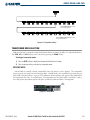
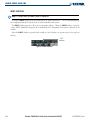
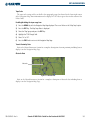
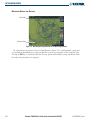
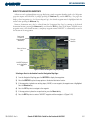
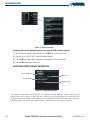
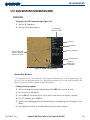
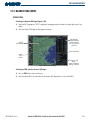
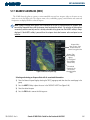
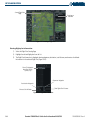
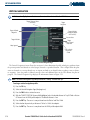
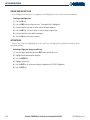
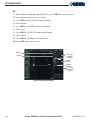
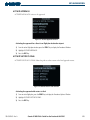
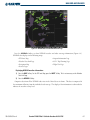
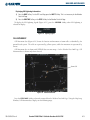
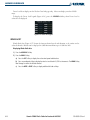
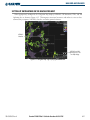
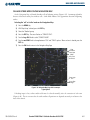
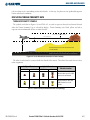
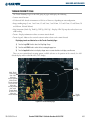
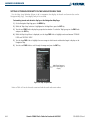
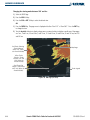
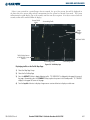
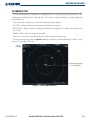
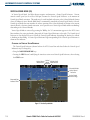
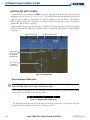
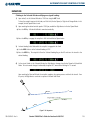
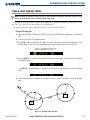
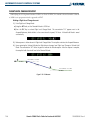
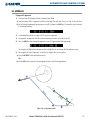
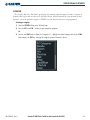
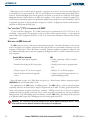
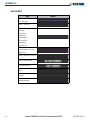
Other aviation information such as airports, VORs, and other NAVAIDS can be displayed or hidden on the
TAWS Page (Figure 6-51).
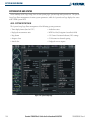
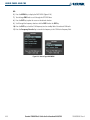
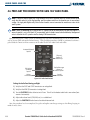
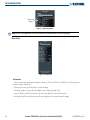
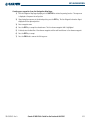
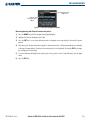
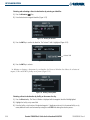
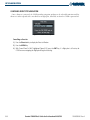
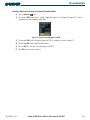
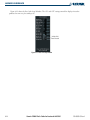
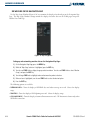
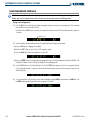
Showing or hiding aviation information:
1) Press the MENU Key.
2) Select ‘Show (or Hide) Aviation Data’ and press the ENT Key.
3) Press the CLR Key to toggle aviation information on or off.
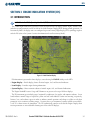
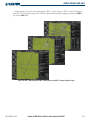
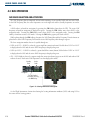
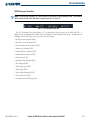
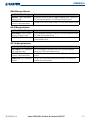
Figure 6-51 TAWS Page Menu
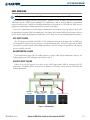
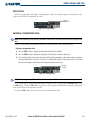
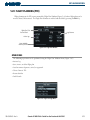
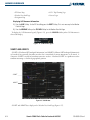
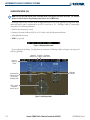
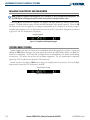
TAWS MANUAL TEST
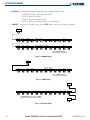
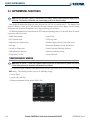
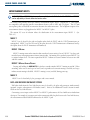
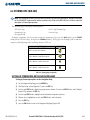
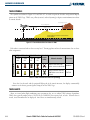
NOTE: TAWS System Testing is disabled when ground speed exceeds 30 knots in order not to impede TAWS
alerting.
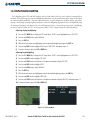
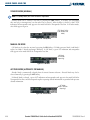
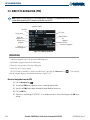
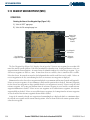
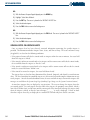
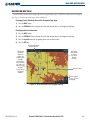
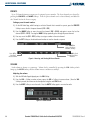
TAWS provides a manual test which verifies the proper operation of the aural and visual annunciations of
the system prior to a flight.
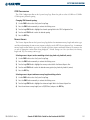
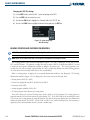
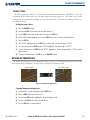
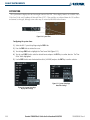
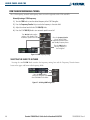
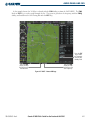
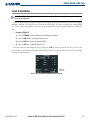
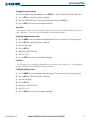
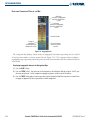
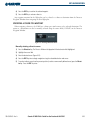
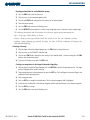
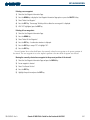
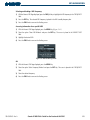
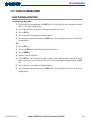
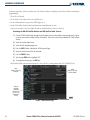
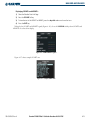
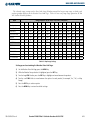
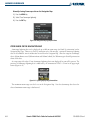
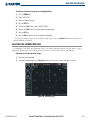
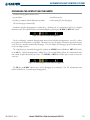
Manually testing the TAWS System:
1) Select the TAWS Page and press the MENU Key.
2) Select the ‘Test TAWS’ option.
3) Press the ENT Key to confirm the selection.
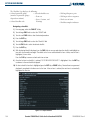
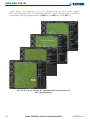
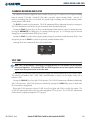
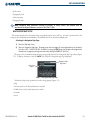
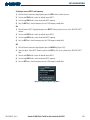
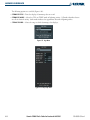
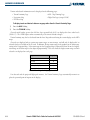
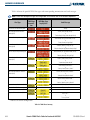
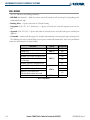
One of the following aural messages is generated:
• “TAWS System Test, OK”
• “TAWS System Failure”
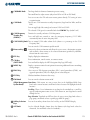
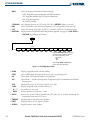
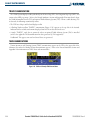
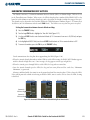
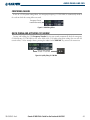
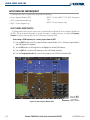
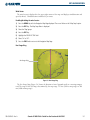
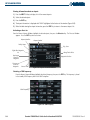
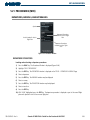
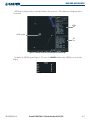
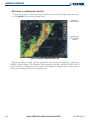
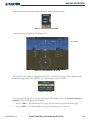
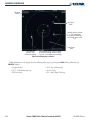
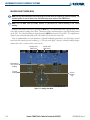
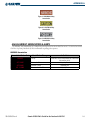
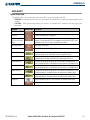
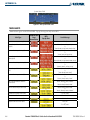
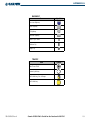
TAWS TEST is annunciated in yellow on the TAWS Page and in white on the PFD.
190-00595-00 Rev. A
Garmin G1000 Pilot’s Guide for Beechcraft A36/G36
6-47